
RivAI

AI Exterior Design · iPhone app

AI exterior design: see your house redesigned before you build

AI exterior design restyles a photo of your home's outside, including facade, siding color, trim, landscaping and outdoor zones, into a new look. In RivAI, photograph your house, yard or patio, pick a style, and get a photorealistic preview in about 30 seconds. It covers 9 exterior space types, from front yards to pool areas.

Download on theApp Store

Free to try · 3-day free trial on annual · Cancel anytime

4.88★ (16 ratings) on the App Store
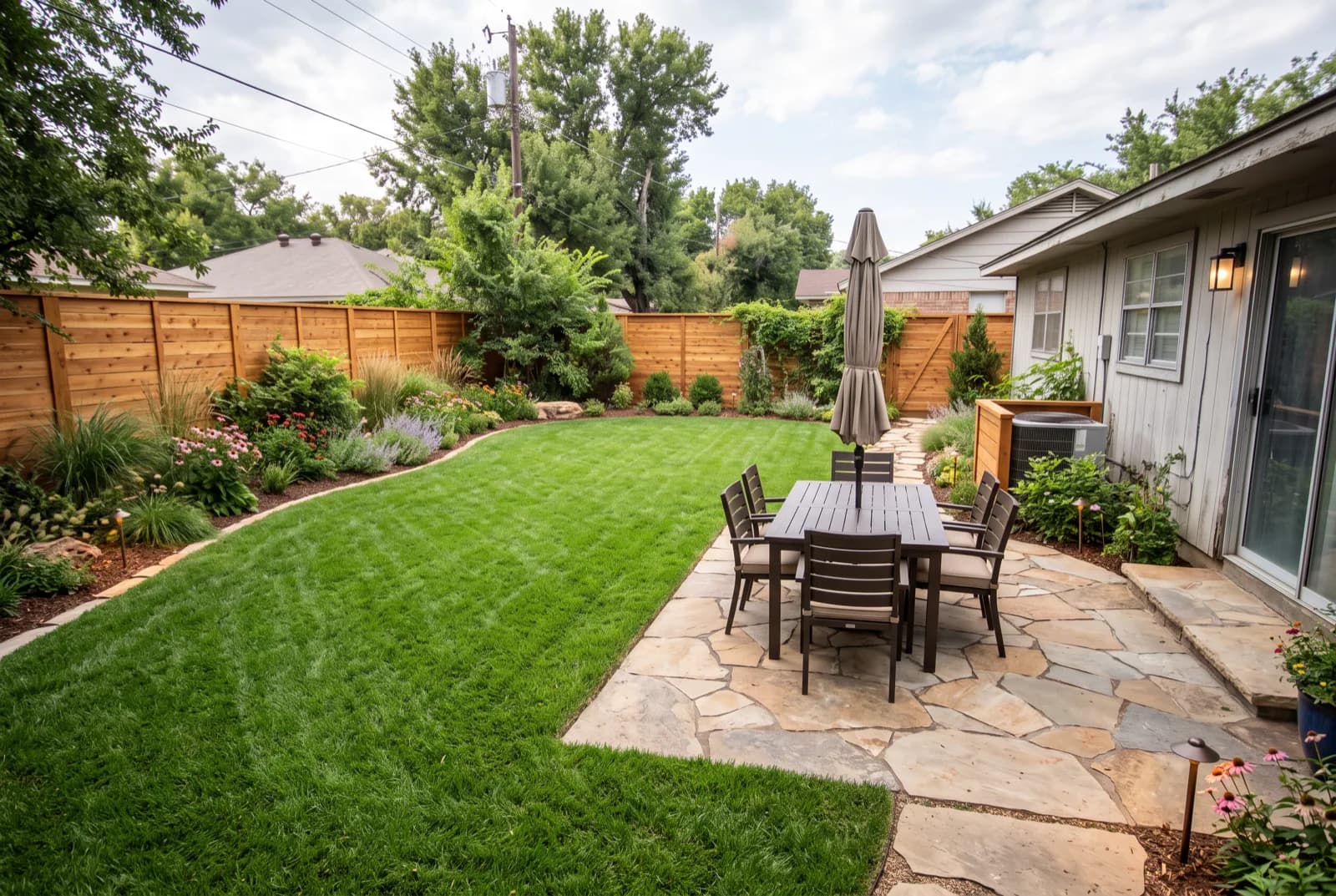
AI-generated sample redesign: Same backyard redesigned as a landscaped garden: lush lawn, planting beds, stone patio and dining set, after
AI-generated sample redesign: Same backyard redesigned as a landscaped garden: lush lawn, planting beds, stone patio and dining set, before
BeforeAfterSample render

How to redesign your home exterior with AI

  1. 1Photograph your facade, yard or patio in daylight, capturing the whole elevation.
  2. 2Choose Exterior Design in RivAI and select a style or color palette.
  3. 3Render the makeover in about 30 seconds and compare on the before/after slider.
  4. 4Refine with the Paint tool: try exact siding colors like Charcoal #45484B or Sage Green #9CAF88.
  5. 5Save the versions you like to brief a contractor or plan your budget.

What parts of an exterior can AI restyle?

Siding and facade color, trim and doors, roofing tone, lighting, planting, paths, fences and outdoor furniture. RivAI covers 9 exterior space types: house exterior, house decorations, patio, backyard, outdoor, garden, front yard, pool area and driveway.

Why preview before you renovate?

Exterior work is costly to redo and lives in public view for years. A photorealistic preview lets you test dark versus light siding, warm versus cool palettes and planting density before you spend anything, and it gives your contractor a clear visual reference. Get real quotes from local pros for the work itself; RivAI does not estimate costs.

Exterior projectWhat to preview with AI
Repaint sidingExact colors with the Paint tool on the siding surface
Front yard landscapingPlanting density, paths and edging
New front door and trimColor combinations against the siding
Patio makeoverMaterials, furniture and zones

More ways to use RivAI: AI room design app, AI landscape design, paint color visualizer, AI interior design, exterior house colors and outdoor Halloween decorations.

FAQ

Can AI redesign my garden as well as my house?

Yes. RivAI handles gardens, backyards, patios, front yards and pool areas as well as facades: 9 exterior space types in total, each restyled from one photo.

Can I test exact paint colors on my siding?

Yes. The Paint tool repaints one surface, including siding, trim or doors, in an exact color. Pick one of 12 curated swatches, from Warm White #F3EFE6 to Forest Green #2F4B3A, or use the iOS color picker, which accepts a hex code.

Is AI exterior design free to try?

Free to try: RivAI's free designs work for exteriors as well as interiors, with a watermark on free results. Pro ($9.99 a week or $39.99 a year in the US) removes the watermark and adds the High Quality tier.

Will the preview match my house's architecture?

In Keep Structure mode the app keeps your home's walls, windows and overall shape and mainly changes finishes, colors and landscaping. Full Renovation can also reimagine structural elements for inspiration. Either way it is a preview, not a plan.

Last updated 2026-10-09

4.88★ (16 ratings) on the App Store

See it on your own space

Snap it, pick a style, see it redesigned in about 30 seconds.

Download on theApp Store

Free to try · 3-day free trial on annual · Cancel anytime

RivAI: AI Home Design

4.88 (16 ratings) · Free to try

Get app


