
Industrial · Hallway
Industrial Hallway ideas
A Industrial hallway pairs exposed red brick with a brick red (#9E4A3A) base. Start with leather chesterfield or track-arm sofa, keep tobacco brown (#7A5230) to accents under 10% of the room, and let raw and blackened steel add texture. Preview it on your own hallway photo in RivAI first.
Free to try · 3-day free trial on annual · Cancel anytime
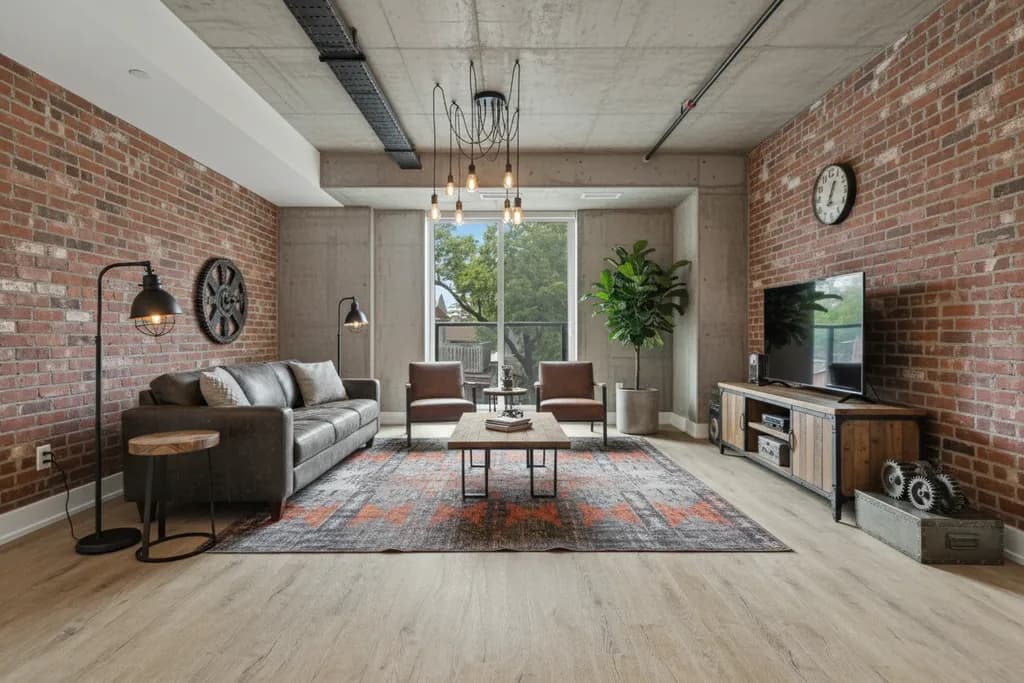
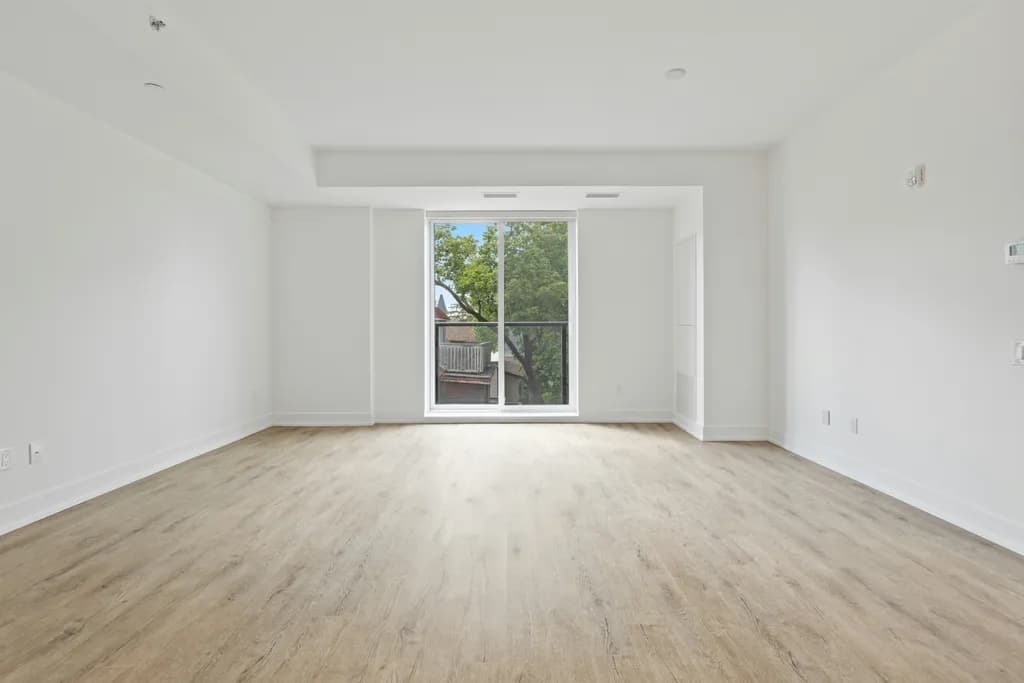
The Industrial palette for a hallway
Try this Industrial palette on your own hallway: Try Industrial in RivAI
How to get the look, step by step
- 1Photograph your hallway in daylight with the widest view you can frame — the RivAI app needs the whole space to work with.
- 2Set the base: Brick Red (#9E4A3A) for exposed brick walls.
- 3Add wall hooks or a wall-mounted shelf near the entry for keys, bags and coats without eating floor space.
- 4Bring in exposed red brick and raw and blackened steel — the two signature materials of Industrial design.
- 5Add one statement piece: leather chesterfield or track-arm sofa.
- 6Finish with tobacco brown (#7A5230) accents in textiles or decor, keeping them under 10% of the visual field.
Key materials
- Exposed red brick
- Raw and blackened steel
- Reclaimed timber and plank wood
- Polished or sealed concrete
- Aged cognac leather
Furniture to look for
- Leather Chesterfield or track-arm sofa
- Metal-and-wood shelving unit
- Factory cart coffee table on casters
- Pipe-framed desk or dining table
- Edison bulb pendant cluster
Mistakes to avoid
- Painting a narrow windowless hallway in dark colors with no plan for lighting.
- Placing furniture that projects deep into the passage, creating a daily hip-bump obstacle.
- Relying on one ceiling fixture at one end, leaving the middle of the hallway in shadow.
Budget tips
- A runner rug transforms a hallway for under a hundred dollars and protects the floor where it wears most.
- Repaint doors and trim in a contrasting color - it costs one can of paint and looks like joinery work.
- Swap dated ceiling fixtures for flush-mount LEDs; hallways need reliable light, not statement pendants.
FAQ
Does Industrial work in a hallway?
Yes, with adaptation. Industrial is not the most common choice for a hallway, but its palette — led by Brick Red (#9E4A3A) — and materials like exposed red brick can work well if you keep the layout practical and use the style mainly in finishes and decor.
What colors should I use for a Industrial hallway?
The core palette is Brick Red #9E4A3A, Charcoal #3B3B3B, Weathered Gray #8A8680, Tobacco Brown #7A5230, Warm Amber #D09A4A. Use Brick Red as the dominant color, Charcoal for secondary surfaces, and keep Tobacco Brown for accents only.
Can I see my own hallway in Industrial style before committing?
Yes. Take a photo of your hallway in the RivAI iPhone app, choose the Industrial style, and you get a photorealistic preview in about 30 seconds on the Standard tier. RivAI is free to try, so you can compare Industrial with a few other styles before you buy paint or furniture.
Can I preview an industrial redesign of my own room?
Yes. Snap a photo of your room in the RivAI iPhone app, pick Industrial from 43 available styles, and see exposed brick, black steel and reclaimed wood in about 30 seconds. RivAI is free to try, so you can test the loft look before hunting salvage yards.
Keep exploring

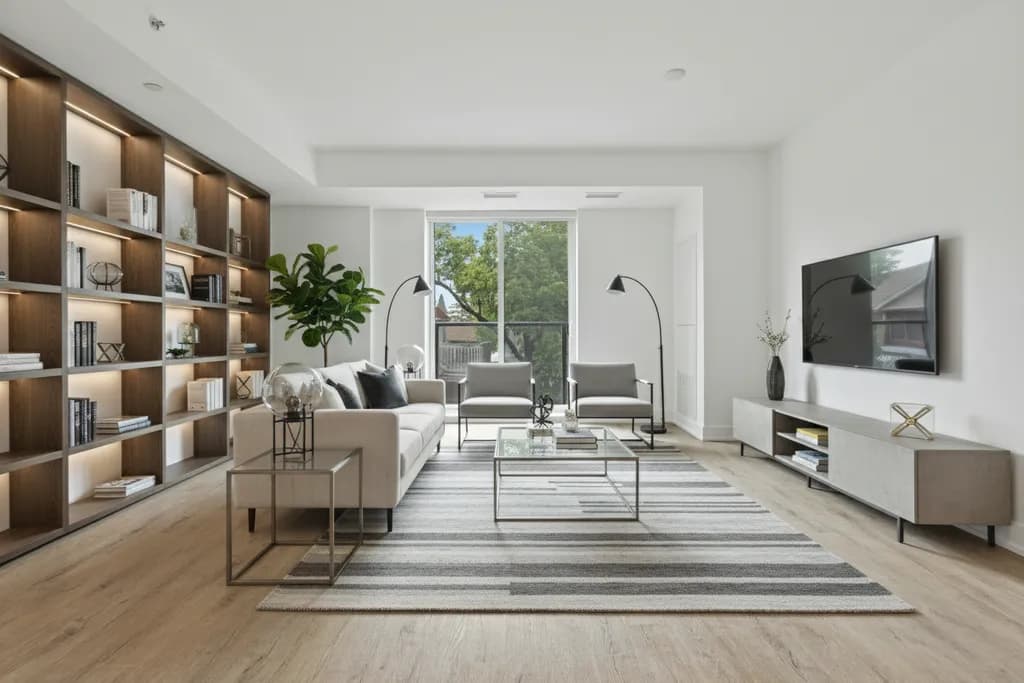
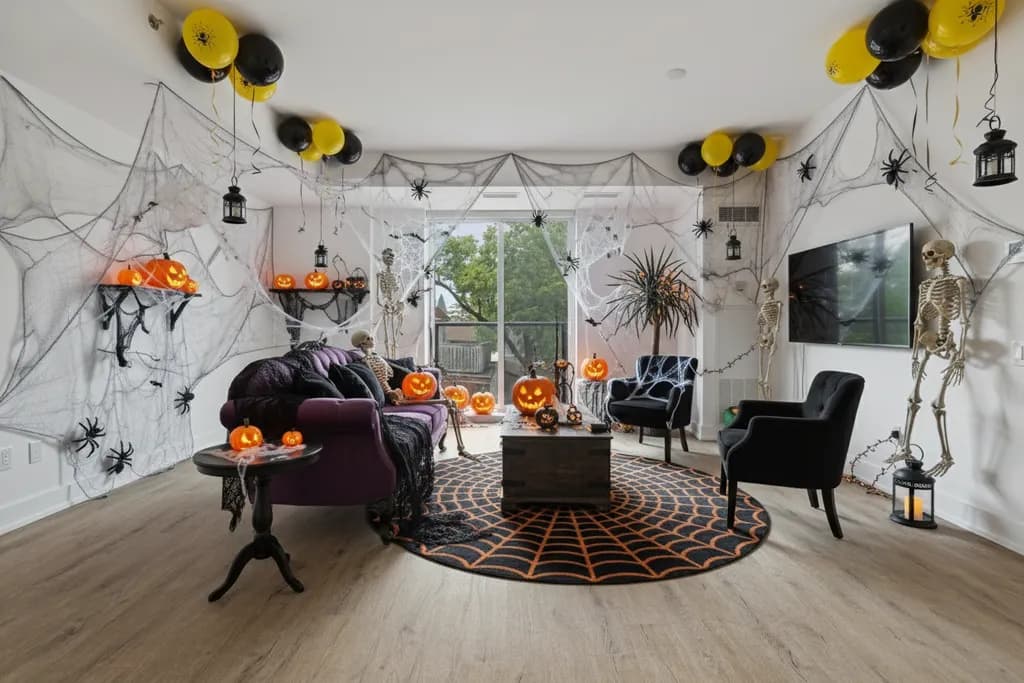
More: Industrial interior design, hallway ideas, AI interior design and interior color palette generator.
Last updated 2026-10-09



Try Industrial on your hallway
Snap it, pick a style, see it redesigned in about 30 seconds.
Free to try · 3-day free trial on annual · Cancel anytime
