
Retro · Pool Area
Retro Pool Area ideas
A Retro pool area pairs molded plastic and fiberglass chairs with a mustard (#D9A441) base. Start with curved velvet sofa in mustard or teal, keep teal (#2E7E7B) to accents under 10% of the room, and let walnut and teak veneer furniture add texture. Preview it on your own pool area photo in RivAI first.
Free to try · 3-day free trial on annual · Cancel anytime
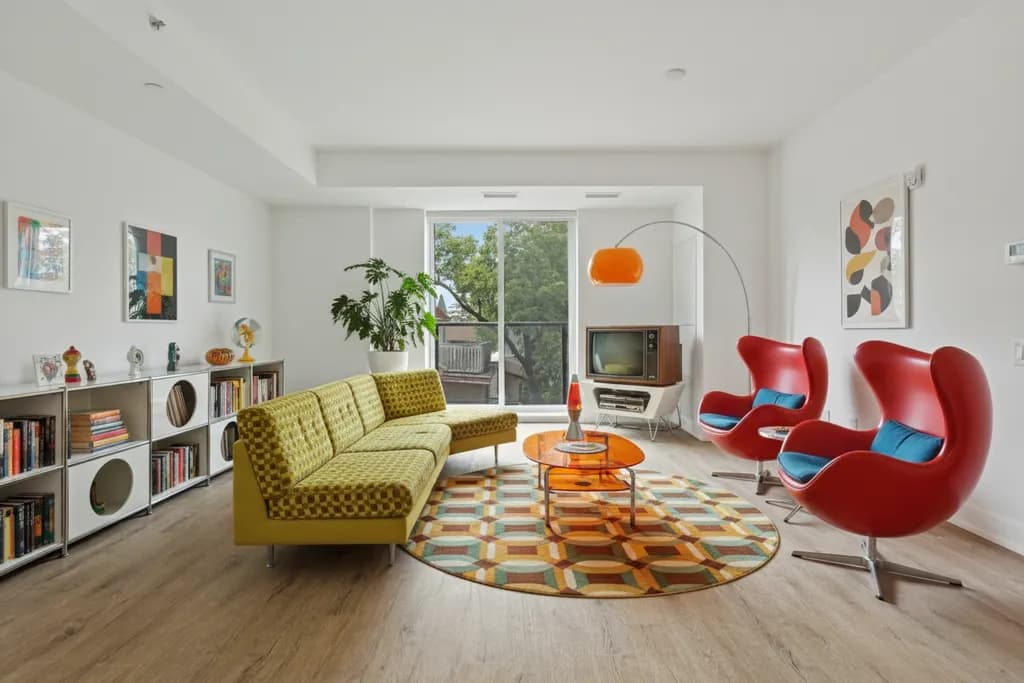
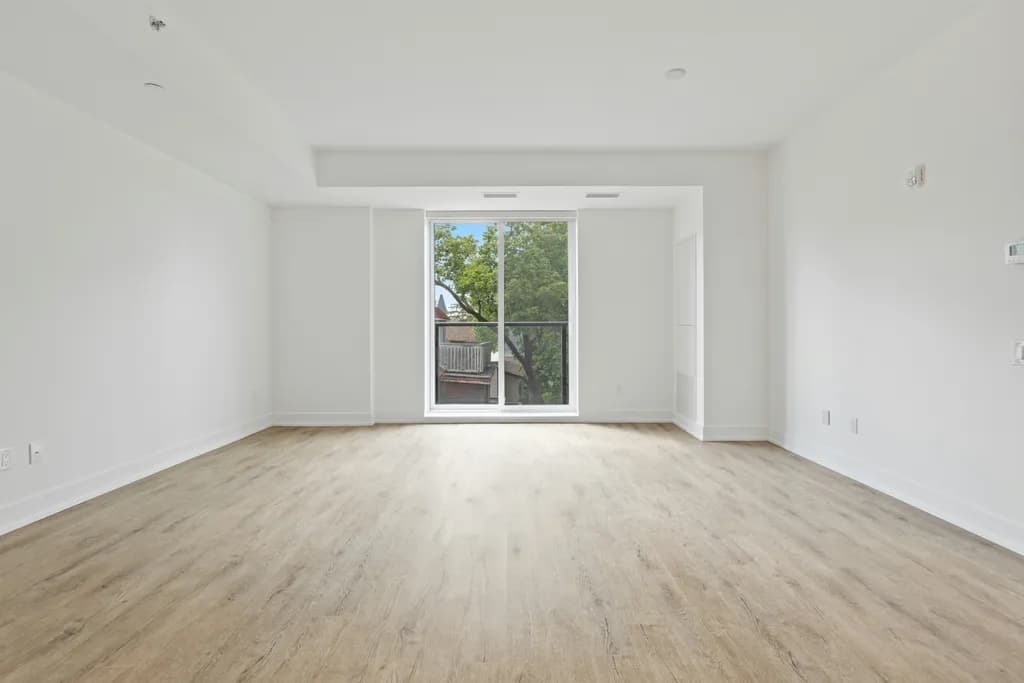
The Retro palette for a pool area
Try this Retro palette on your own pool area: Try Retro in RivAI
How to get the look, step by step
- 1Photograph your pool area in daylight with the widest view you can frame — the RivAI app needs the whole space to work with.
- 2Set the base: Mustard (#D9A441) for sofa or accent wall.
- 3Layer lighting for night swimming: underwater LEDs, path lights at deck edges, and warm light in the lounge zone.
- 4Bring in molded plastic and fiberglass chairs and walnut and teak veneer furniture — the two signature materials of Retro design.
- 5Add one statement piece: curved velvet sofa in mustard or teal.
- 6Finish with teal (#2E7E7B) accents in textiles or decor, keeping them under 10% of the visual field.
Key materials
- Molded plastic and fiberglass chairs
- Walnut and teak veneer furniture
- Chrome and sputnik lighting
- Shag and geometric-pattern rugs
- Bold geometric or pop-art wallpaper
Furniture to look for
- Curved velvet sofa in mustard or teal
- Tulip or egg-style accent chair
- Low walnut credenza with tapered legs
- Sputnik chandelier or arc floor lamp
- Sunburst clock or starburst mirror
Mistakes to avoid
- Choosing smooth tile or polished stone decking that becomes dangerously slippery when wet.
- Planting deciduous trees or messy flowering shrubs beside the water, feeding the skimmer forever.
- Skimping on fence height or gate hardware - pool barriers are legal code, not decoration.
Budget tips
- Resurface tired concrete decking with a textured overlay instead of demolition - roughly half the cost of replacement.
- Use large planters with grasses and agaves for instant resort planting without landscape contractor pricing.
- Add solar-powered deck and path lights; pool zones often lack convenient outlets.
FAQ
Does Retro work in a pool area?
Yes, with adaptation. Retro is not the most common choice for a pool area, but its palette — led by Mustard (#D9A441) — and materials like molded plastic and fiberglass chairs can work well if you keep the layout practical and use the style mainly in finishes and decor.
What colors should I use for a Retro pool area?
The core palette is Mustard #D9A441, Avocado #6B7F3E, Burnt Orange #C35E2C, Teal #2E7E7B, Walnut #5F4030. Use Mustard as the dominant color, Avocado for secondary surfaces, and keep Teal for accents only.
Can I see my own pool area in Retro style before committing?
Yes. Take a photo of your pool area in the RivAI iPhone app, choose the Retro style, and you get a photorealistic preview in about 30 seconds on the Standard tier. RivAI is free to try, so you can compare Retro with a few other styles before you buy paint or furniture.
What is the difference between retro and vintage style?
Vintage uses authentic older pieces with genuine patina in muted, aged tones. Retro revives the bold side of the 60s to 80s - saturated color, pop patterns and playful shapes - and freely uses new reproductions. Vintage whispers; retro shouts.
Keep exploring
More: Retro interior design, pool area ideas, AI exterior design and interior color palette generator.
Last updated 2026-10-09



Try Retro on your pool area
Snap it, pick a style, see it redesigned in about 30 seconds.
Free to try · 3-day free trial on annual · Cancel anytime
