RivAI

Room design guide

Home office ideas: layout, light and storage

Designed for focus, tuned for video calls

A home office redesign starts with desk position: place it so daylight hits the screen from the side, never behind or in front, with at least 120x60 cm of surface. Add a task lamp for 500 lux, tame cables, and style the wall behind you for calls. RivAI previews office styles on a photo of yours in about 30 seconds.

Download on theApp Store

Free to try · 3-day free trial on annual · Cancel anytime

4.88★ (16 ratings) on the App Store
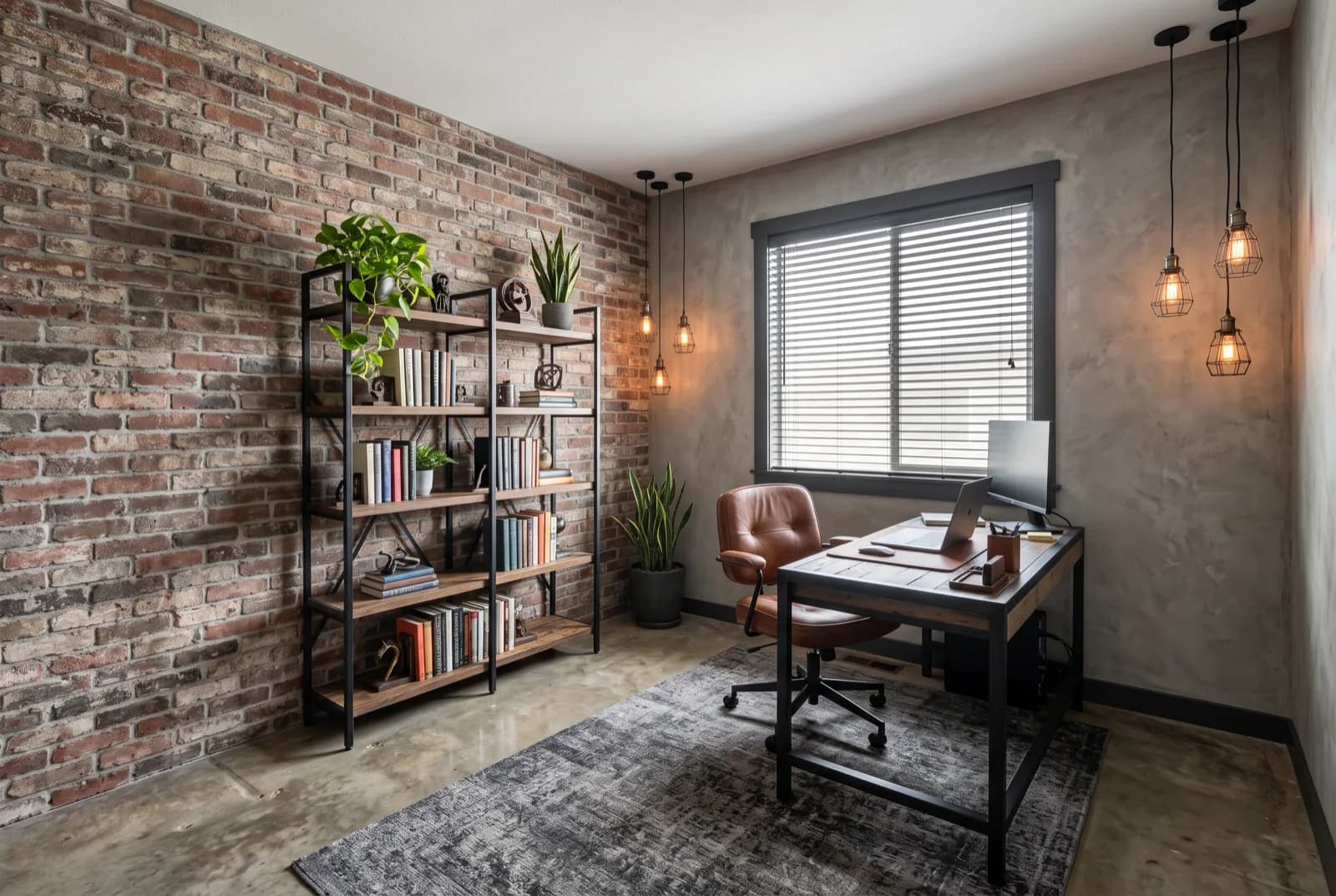
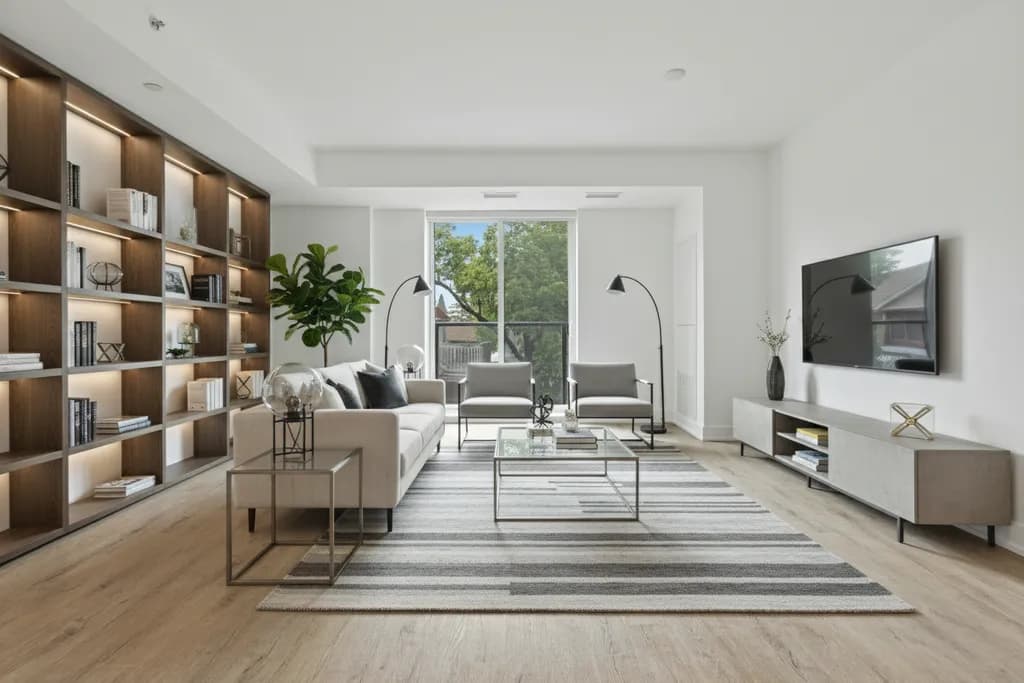
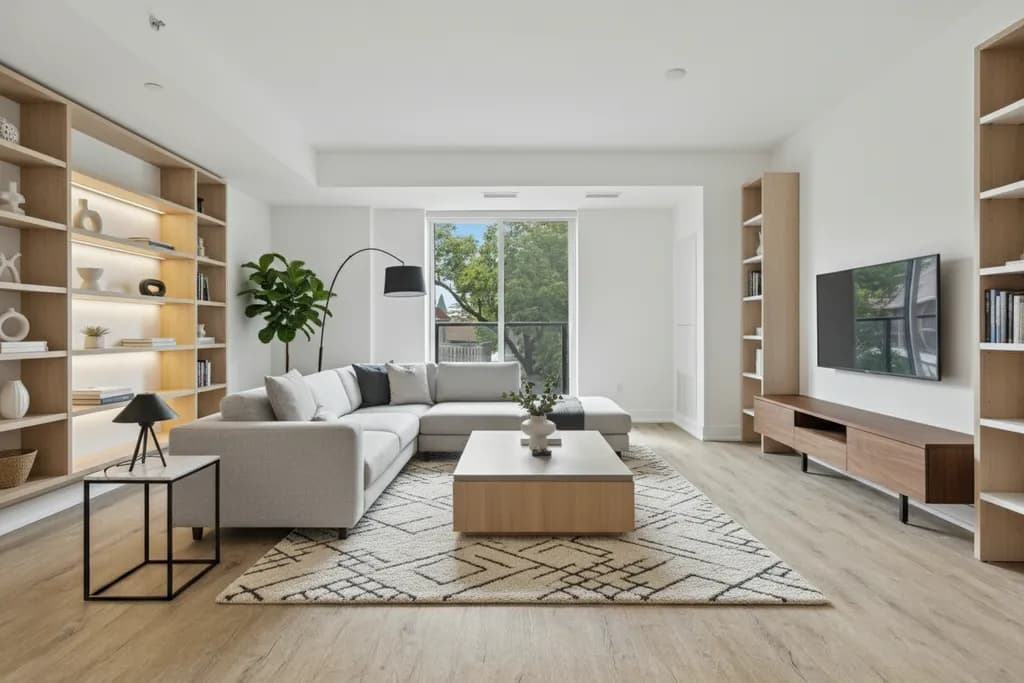
AI-generated sample redesign: Same home office redesigned in industrial style: exposed brick, steel shelving and Edison pendants, after
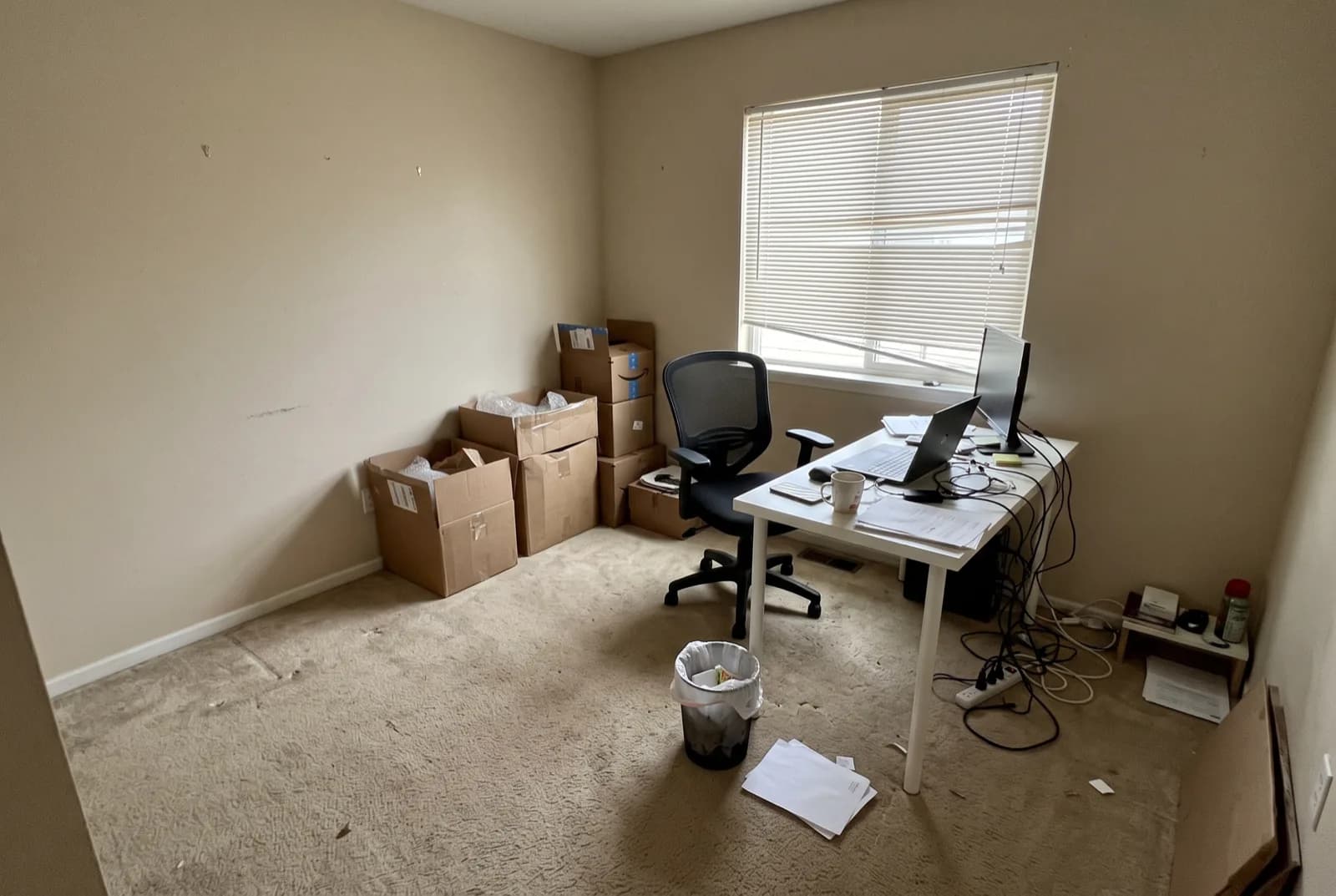
AI-generated sample redesign: Same home office redesigned in industrial style: exposed brick, steel shelving and Edison pendants, before
BeforeAfterSample · Home Office

Designing a great home office

A home office fails in two ways: it is uncomfortable to work in, or it is embarrassing to broadcast from. Good design solves both at once - an ergonomic desk and chair setup for the hours you sit, and a composed, well-lit backdrop for the hours you are on camera. Plan for both from day one instead of bolting on a ring light later.

Focus is a design property too. Visual clutter competes for attention, so closed storage beats open shelves for everything except a few intentional objects. Soft surfaces - a rug, curtains, an upholstered chair - cut echo on calls, and a desk lamp with a warm bulb lets you shift the room from work mode to evening without leaving your chair.
Design priorities

  1. 1Position the desk perpendicular to the window so daylight falls from the side without screen glare.
  2. 2Use a desk at least 120x60 cm; 140 cm wide or more if you run dual monitors.
  3. 3Aim for about 500 lux of task lighting on the work surface from an adjustable desk lamp.
  4. 4Set the top of the monitor at or just below eye level, roughly an arm's length away.
  5. 5Route cables through a tray under the desk and a single surge protector - visual noise kills focus.
  6. 6Style the wall behind you with one shelf or one artwork at camera height; it is your professional backdrop.
  7. 7Add a rug and curtains to absorb echo - video calls sound noticeably better in soft rooms.

Common mistakes

  • Facing the window directly, so you squint all morning and appear as a silhouette on calls.
  • Working long-term from a dining chair, which costs your back far more than a proper chair costs your wallet.
  • Relying on a single ceiling light, which creates screen glare and tired eyes by afternoon.
  • Leaving a cluttered or personal background visible on video calls.
  • Ignoring acoustics - bare rooms make calls echoey and concentration harder.
  • Buying storage before decluttering, so you organize things you should have discarded.

Budget tips

  • Repurpose a sturdy dining table or second-hand desk before buying new - surface matters more than brand.
  • Spend your budget on the chair first; a used ergonomic chair beats a new cheap one at the same price.
  • Add a monitor arm and laptop stand to reclaim desk space for under fifty dollars.
  • Paint one wall a deep color behind the desk - it anchors the room and looks deliberate on camera.
  • Use a cable management tray and velcro ties before buying any organizer furniture.

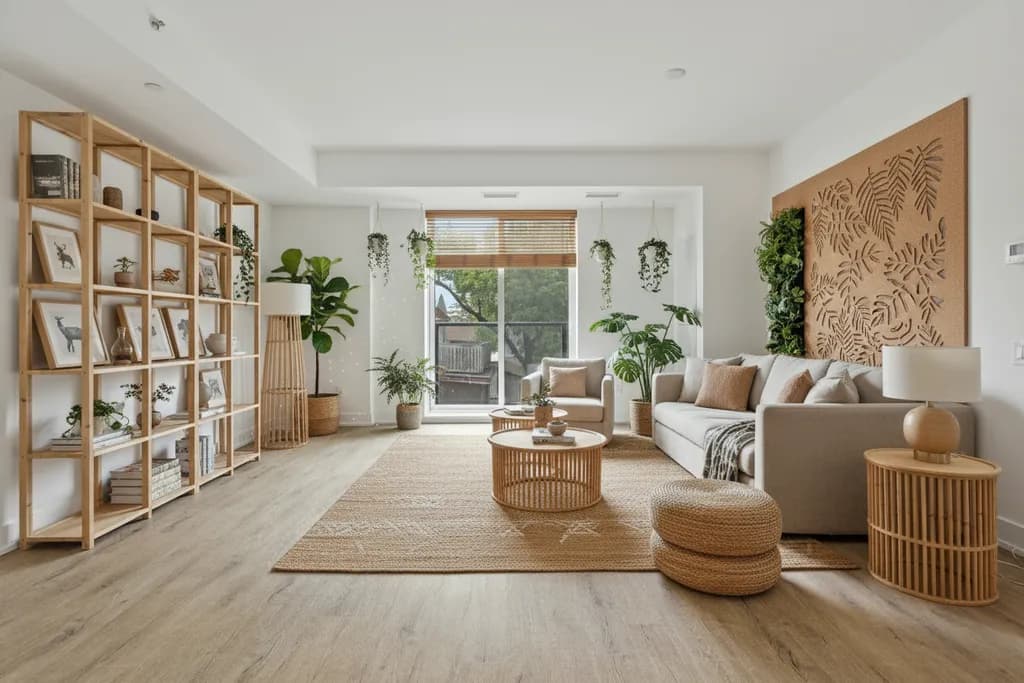
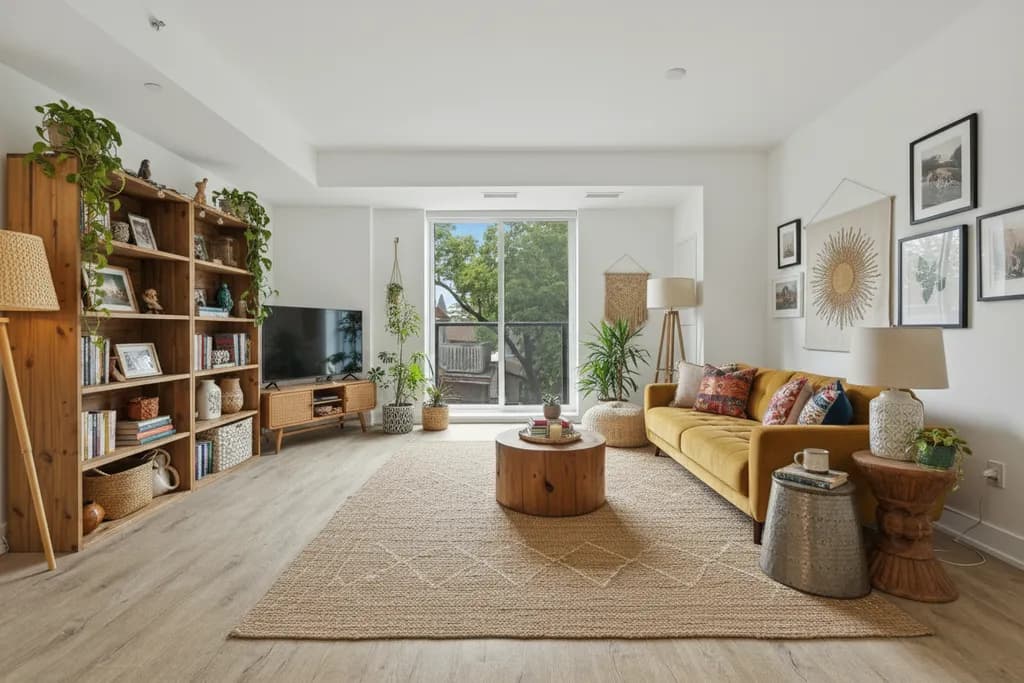
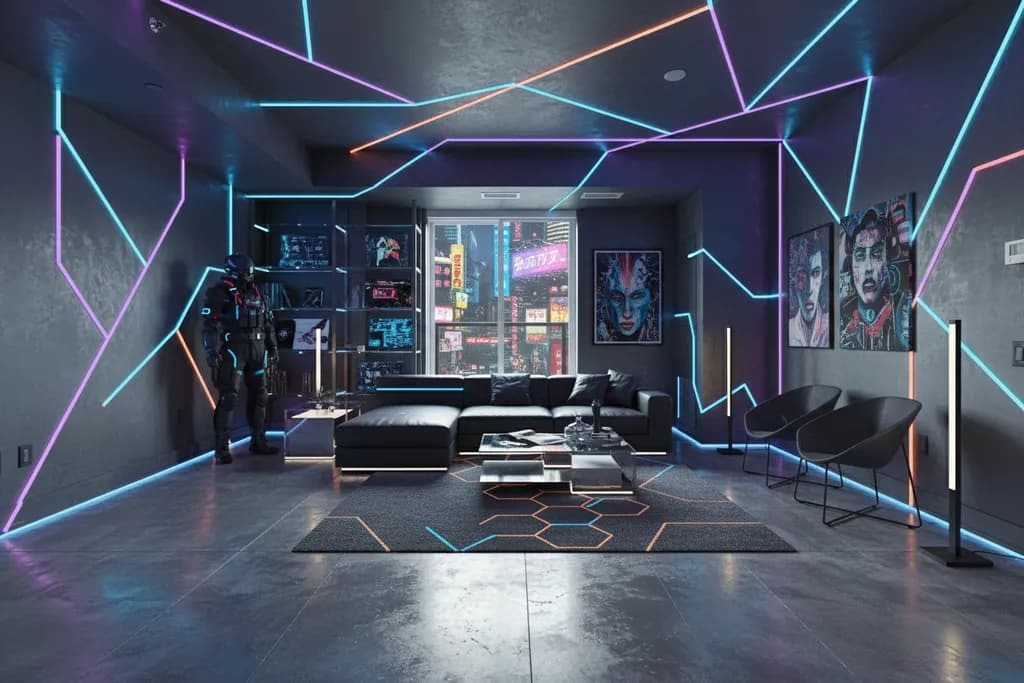
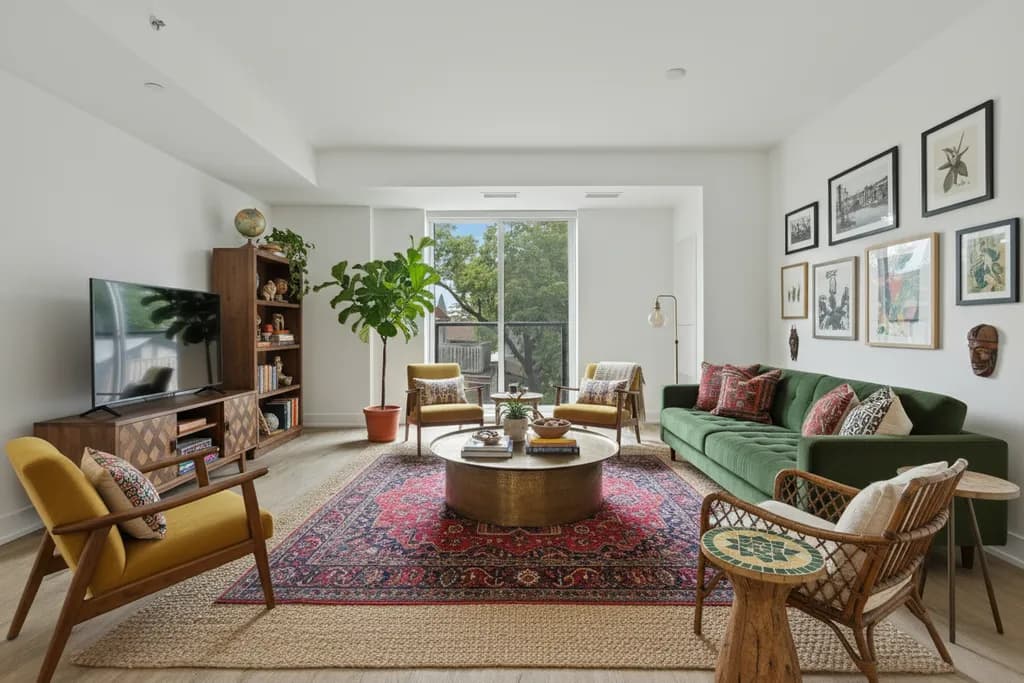
Home Office ideas by style

Then preview your home office with AI interior design, paint color visualizer, interior color palette generator and AI room planner.

Home Office FAQ

What is the best position for a desk in a home office?

Perpendicular to the window, ideally with a view of the door - you get daylight without screen glare and never feel surprised from behind. Avoid facing a blank wall if you can; a view out reduces eye strain and fatigue.

How do I look better on video calls?

Put your main light source in front of you, slightly above eye level - a window or a lamp bounced off a wall works. Raise the camera to eye level with a stand, and keep the background simple: one shelf or one artwork reads as professional.

How do I fit an office into a small room?

Use a 100-120 cm desk against the wall, wall-mounted shelves instead of a bookcase, and a chair that tucks fully under. A fold-down wall desk or a console table behind the sofa works when no separate room exists.

Can I preview home office styles before rearranging?

Yes. Choose the Office room type in RivAI, photograph your workspace, and see the desk wall and your video-call backdrop restyled in about 30 seconds on Standard, from Scandinavian to Industrial. RivAI is free to try, so you can rearrange on screen before moving the desk.

Last updated 2026-10-09

4.88★ (16 ratings) on the App Store

Your new home office is one photo away

Snap it, pick a style, see it redesigned in about 30 seconds.

Download on theApp Store

Free to try · 3-day free trial on annual · Cancel anytime

RivAI: AI Home Design

4.88 (16 ratings) · Free to try

Get app