
Free AI landscape design: how to redesign your yard from a photo
By RivAI Team · · 10 min read
The short answer
For free AI landscape design, take a wide photo of your yard from the house or a corner, upload it to a free AI garden tool, pick a style like Japanese or Mediterranean, keep the layout fixed, and compare a few versions. Treat the result as a mood picture, then check every plant against your USDA hardiness zone.
How does free AI landscape design from a photo work?
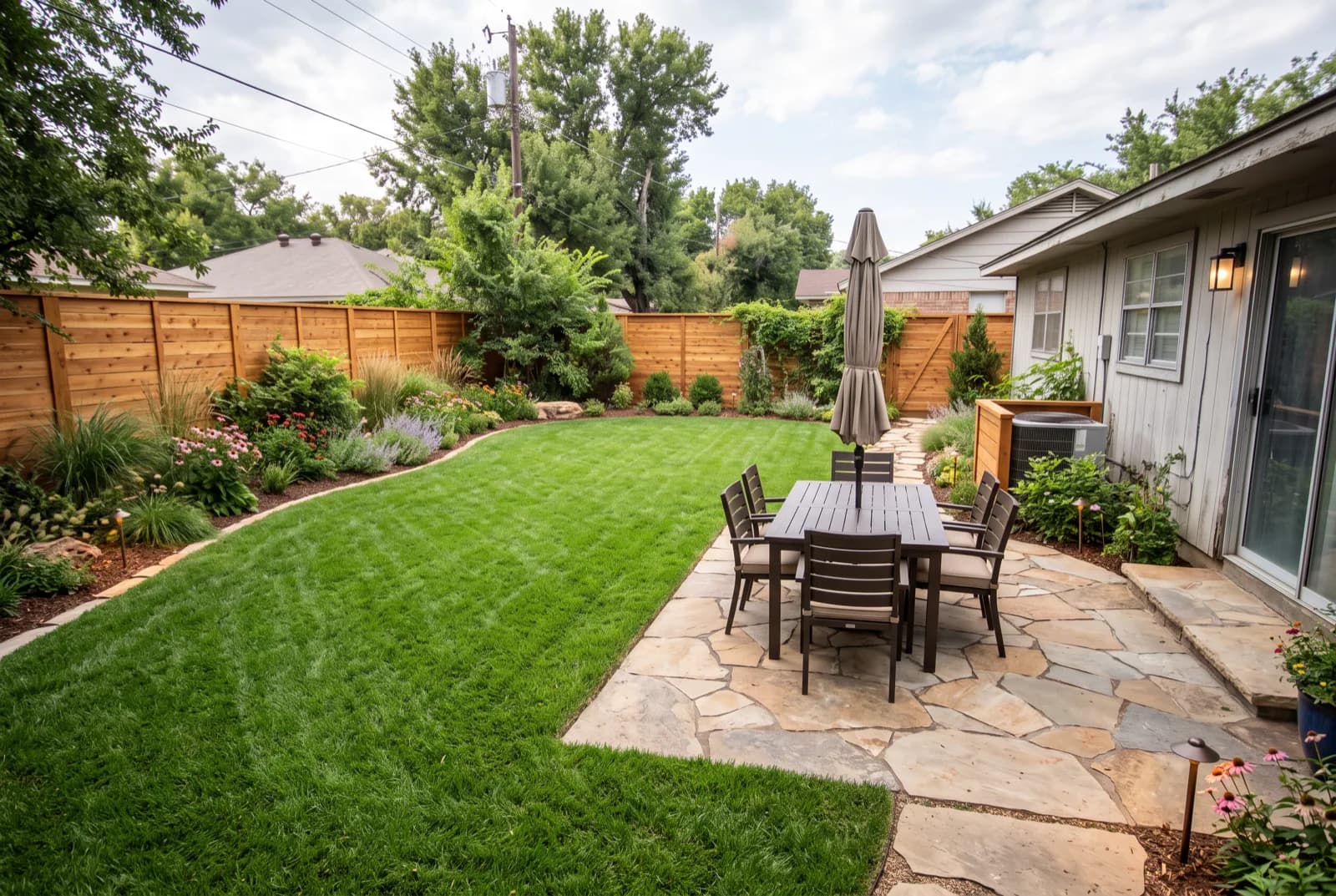
You upload one photo of your yard to an AI image tool, choose the kind of outdoor space and a style, and get back a redesigned picture of that same space. The free part is real, though small. HomeGPT gives 2 free designs a day on its website, Reimagine Home gives new users 5, and DreamzAR is a free download that doesn't state its free limits (all checked October 2026).
Good results come from three things: a wide daytime photo taken from the house or a corner, a style picked on purpose, and a setting that keeps your house, fence and patio in place. What you get back is a mood picture. It shows shapes, materials and color, but it won't give you plant names, sizes, costs or whether a plant survives your winter. Use it to pick a direction, then plan with a tape measure, your hardiness zone and a local nursery.
How should you photograph your yard for an AI landscape generator?
The photo decides more than the prompt does. A free AI landscape generator can only redesign what it can see, so give it depth, a scale reference and even light. For the wider planning side (sun, soil, zones of use), our guide to designing a garden with AI goes further.
- Stand at the back door or in a corner and shoot diagonally across the yard. A diagonal view shows depth, which gives the AI room to draw a path that curves away from you.
- Keep the edge of the house in frame. A slice of wall, a window or a door frame is the best scale reference you have.
- Shoot on an overcast day or in open shade. Hard midday sun throws dark tree shadows across the lawn, and the AI can mistake them for beds or paving.
- Hold the phone level at chest height, in landscape orientation, on the 1x lens. Ultra-wide lenses bend fences and make a small yard look far deeper than it really measures.
- Shoot in daylight. Dusk and flash both flatten a yard into gray mush.
- For the front yard, take a separate straight-on photo from the curb or across the street, with the whole facade and the path to the door in view.
How do you redesign your yard with AI, step by step?
These steps work in any of the tools compared further down. Plan on about an hour, and expect to spend most of it outside rather than on your phone.
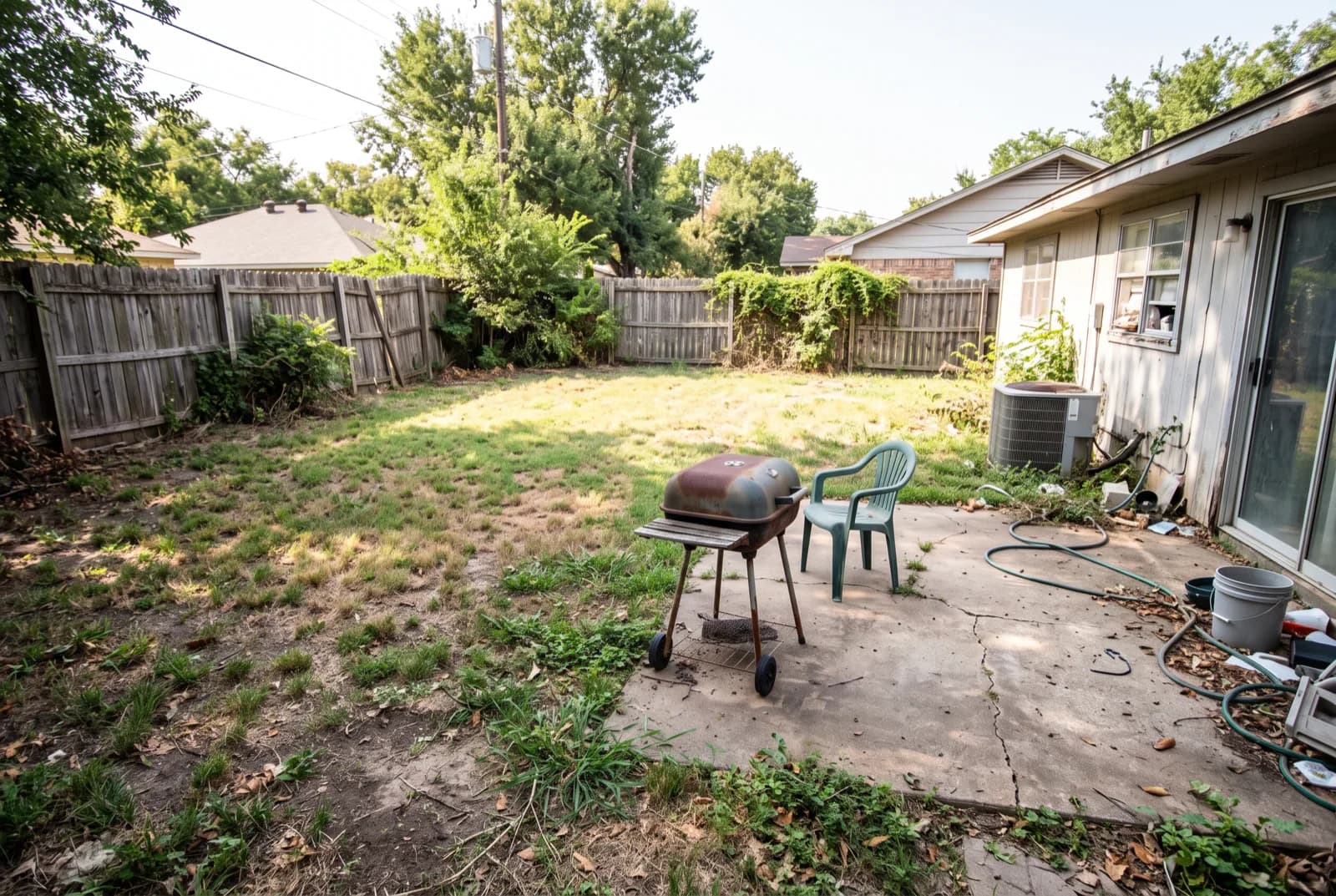
- Tidy the yard (10 minutes). Move the hose, bins, grill and toys out of the shot. Anything left in frame turns into a strange object in the redesign.
- Take 3 photos: one wide shot from the back door, one from the opposite corner, and one of the spot you care about most, such as the patio or the strip along the fence.
- Pick the space type that matches the photo. A backyard, a front yard, a patio and a pool area each get different treatment, so choose the one that matches what's in the frame.
- Run 3 styles on the same photo, for example Japanese, Mediterranean and Modern. Three different looks side by side teach you more than ten tweaks of one.
- Keep the layout fixed for round one. Use the tool's keep-structure or keep-layout option so the house, fence and patio stay put. Switch to a full redo only if you're open to moving hardscape.
- Add a prompt of 1 to 2 sentences that names two or three materials and the one feature you need, like "gravel path, raised herb bed, keep the fence".
- Write down 3 things you like in each result: a path shape, the depth of a border, a color pairing. Ignore the exact plants for now.
- Measure the real space. As a rule of thumb, keep a main path 36 in (91 cm) wide, a side path at least 24 in (61 cm), and planting borders at least 3 ft (90 cm) deep so shrubs have room to fill out.
- Take the picture to a nursery. Show the render, ask for plants with a similar shape and color that suit your area, and buy in groups of three or five.
Which prompts work best for free AI backyard design?
Short and concrete beats long and poetic. Name two or three materials, one main feature and one thing to keep, then let the style do the rest. Copy any of these and swap in your own details:
- "Low-maintenance backyard with gravel paths, ornamental grasses and a small stone patio, keep the existing fence"
- "Japanese garden with a mossy stepping-stone path, a Japanese maple, raked gravel and a bamboo screen along the fence"
- "Mediterranean courtyard with terracotta pots, olive trees, lavender and a pea gravel seating area"
- "Family backyard with an open lawn, a raised vegetable bed by the house and a shade sail over the patio"
- "Front yard with a wide paved path to the door, layered planting under the windows and no lawn"
- "Pollinator border with flowering perennials planted in groups of three"
- "Small patio with built-in bench seating, string lights and large planters"
- "Dry garden with succulents, boulders and decomposed granite instead of grass"
If you're stuck on a direction, browse a few finished looks first: a Japanese garden with stone and moss, a Mediterranean garden with gravel and terracotta, or a modern backyard with clean paving. Pick the one you keep coming back to and use its materials in your prompt.
What is the best free AI landscape app?
No single app wins on every count. The free allowances are small everywhere, so the right pick depends on your phone, how many tries you want and whether you'll pay later. Here's how the free and cheap options compare.
| Option | Free allowance | Yard and garden support | After the free part | Suits |
|---|---|---|---|---|
| RivAI (iPhone and iPad) | 2 free designs per install, watermarked | Garden tool, plus Backyard, Front Yard, Garden, Patio and Pool Area room types | Pro $9.99/week or $39.99/year (US prices at time of writing) | Trying several styles on your own photo from an iPhone or iPad |
| HomeGPT | 2 free designs a day on the website, no card | 20 garden styles plus exterior styles | Starter $4/month, Pro $9/month | Lots of free tries spread over several days |
| DreamzAR AI Landscape Design | Free download; free limits not stated | Landscape-only iOS app built around yard photos | In-app purchases of $19.99/month or $199.99/year | iPhone owners who only care about the yard |
| Spacely AI | 40 trial credits, sign-up required | Landscape renders among its exterior tools | Paid plans; credit top-ups from $9 for 200 | Designers who also render from sketches |
| Reimagine Home | 5 free designs for new users, no card | Landscaping and hardscaping tools | Credit plans of about $14 to $99 a month | Browser users who want more editing tools |
| Yardzen (human designers) | None | Designs made by people, not generated by AI | Backyard packages from $995 to $3,495 | Anyone who wants a designer's plan to build from |
Allowances and prices were checked in October 2026 and change often. For the most free tries, HomeGPT's daily allowance means you can keep experimenting across a week. DreamzAR is the landscape-only pick on iPhone, though you won't know the free limits until you open it. Spacely and Reimagine Home make sense if you'll pay for more tools later. If you need something a contractor can price, skip AI and pay a designer. The two phone-friendly options get a closer look in RivAI vs HomeGPT.
What are the limitations of AI landscape design?
An AI landscape image shows what your yard could look like. It has no idea where your yard is, how it drains or what grows there, and those gaps are where most expensive mistakes start.
- No hardiness checks. The model doesn't know your winter lows, so it will happily put a palm beside a lilac.
- Some plants in a render don't exist. They're blends of several species, and no nursery sells them.
- Scale drifts. A young tree may be drawn at full mature size, and a border can come out deeper than your whole patio. Measure before you believe it.
- No grading or drainage. Slopes, soggy corners and where your downspouts empty never show up in a photo, and a new patio in the wrong spot can send water toward the house.
- No measurements, quantities or costs.
- Nothing below ground: utility lines, roots and old footings are invisible to it, so contact your local utility-locating service before you dig.
What mistakes should you avoid with AI yard design?
- Shooting straight down from an upstairs window. The AI gets almost no depth to work with and returns a flat, map-like yard.
- Letting the house change. If doors or windows moved in the result, you used a full-redo setting; switch back to keeping the layout.
- Buying straight from the picture instead of checking each plant with a nursery first.
- Asking for everything at once. A pool, a fire pit, a pergola and a vegetable garden in one prompt gives you a cluttered yard. Pick one main feature per run.
- Copying the single plants a render scatters around. Real beds look fuller with three or five of the same plant together.
- Ignoring upkeep. A lush tropical look can mean frequent summer watering and trimming, so decide how many hours a week you'll spend before you fall for it.
- Judging from one result. Run at least 3 styles before deciding; the first one is rarely the keeper.
How can you preview a new garden on your own yard?
In RivAI, open the Garden tool (Exterior redesign preset to Garden). Or use Exterior redesign and pick the room type that matches your photo: Backyard, Front Yard, Garden, Patio or Pool Area. Then choose one of the 43 styles; Japanese, Mediterranean, Tropical and Modern are the natural outdoor picks. More on how it works is on the AI garden design page.
Leave the change strength on Keep Structure so the house walls, windows and layout stay put, and add a short prompt if you want a specific path or bed. A Standard result takes about 30 seconds, and the before/after slider lets you compare it with your original photo.
Know the limits going in. You get 2 free designs per install, free results carry a watermark, and the app runs on iPhone and iPad only (iOS 17 or later). It gives you a picture, not a planting plan: no plant list, no measurements and no cost estimate. Pro is $9.99 a week or $39.99 a year (US prices at time of writing), with a 3-day free trial on the annual plan.
FAQ
What is the rule of 3 in landscaping?
It's a planting guideline: set plants in groups of three, or other odd numbers like five and seven, so a bed looks natural instead of lined up in pairs. A related habit is repeating a plant, color or material at least three times across the yard so your eye travels through it. Treat both as guidance you can break on purpose.
What apps do landscapers use?
Professionals mostly work in CAD and dedicated landscape design software to draw scaled site plans and planting plans, which AI photo tools don't produce. If you'd rather pay a person, [Yardzen](https://www.yardzen.com/packages) sells backyard design packages from $995 to $3,495, and [Home Outside](https://www.homeoutside.com/) starts with a free 2-minute questionnaire before you work with its designers.
What is the best landscape design software for beginners?
Match the tool to the decision. To pick a look, a free AI photo tool shows options on your own yard fastest. To place beds and paths to scale, graph paper at one square per foot (or per 30 cm) works as well as any program. Move to paid software or a designer once you're changing slopes, drainage or hardscape.
Can ChatGPT give you landscaping ideas from a photo?
Yes. You can upload a yard photo in ChatGPT and describe the changes you want. [OpenAI's help page notes](https://help.openai.com/en/articles/11084440-images-in-chatgpt) that highlighted areas aren't always precise and edits may extend beyond the area you selected, so check that your house and fence stayed put. It's handy for plant ideas too, as long as you verify each one for your hardiness zone.

RivAI Team
We build RivAI, the AI home design app for iPhone, at PixelPort LLC. RivAI is our product, so read our picks with that in mind: we take no payment for placements, and every product claim is checked against the app. About us · Editorial policy.
Published · Last updated
- #landscape design
- #ai garden design
- #backyard
- #free tools
Keep reading
 Real estate
Free virtual staging: what you can really do without paying
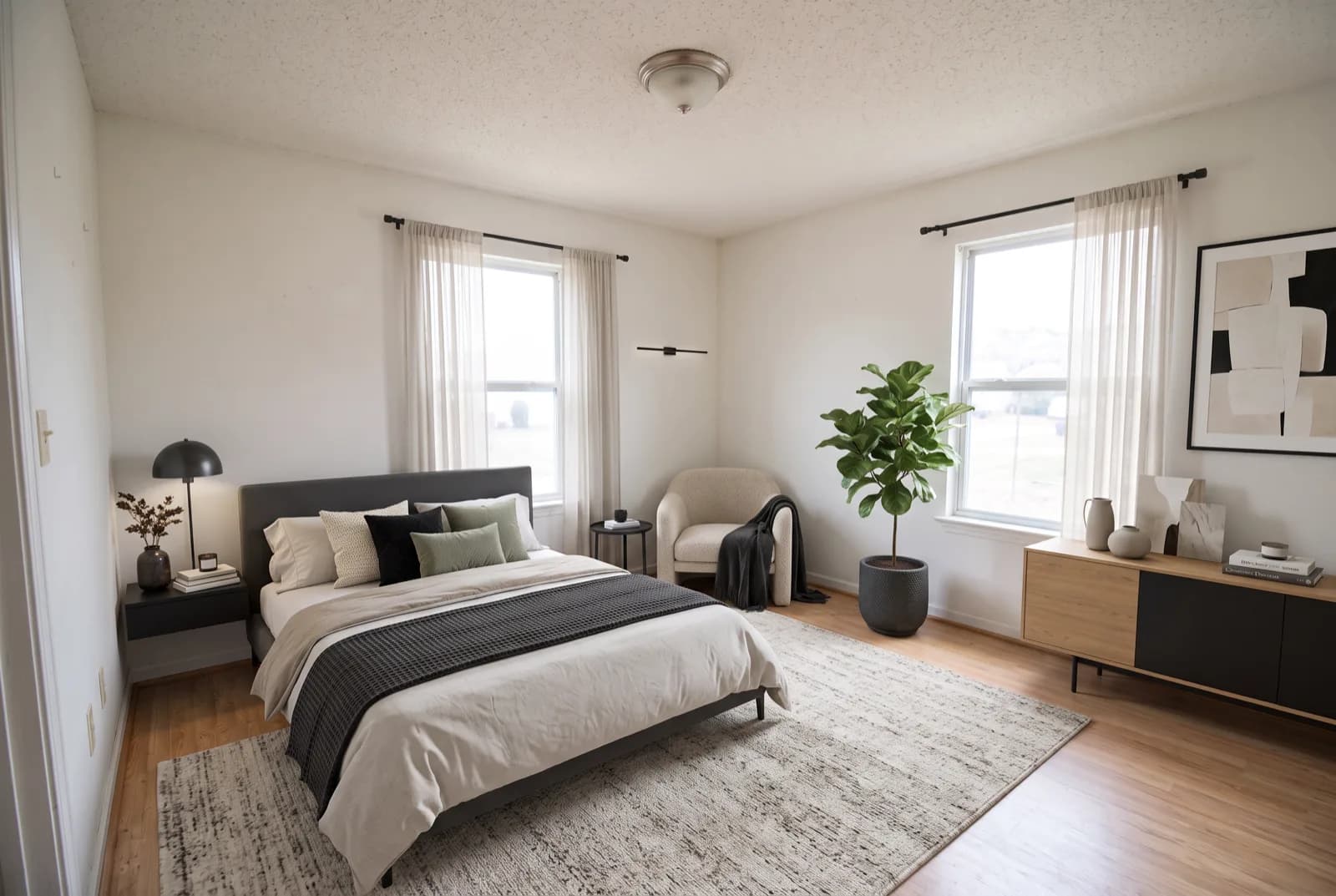
A few staging tools give you a free image or a short trial, enough for one or two hero rooms. Here's what each one gives away, how to shoot and stage a room for free, and how to label the result honestly.
· 9 min read
 How-to
Rearrange my room: a 9-step layout method (and how AI helps)
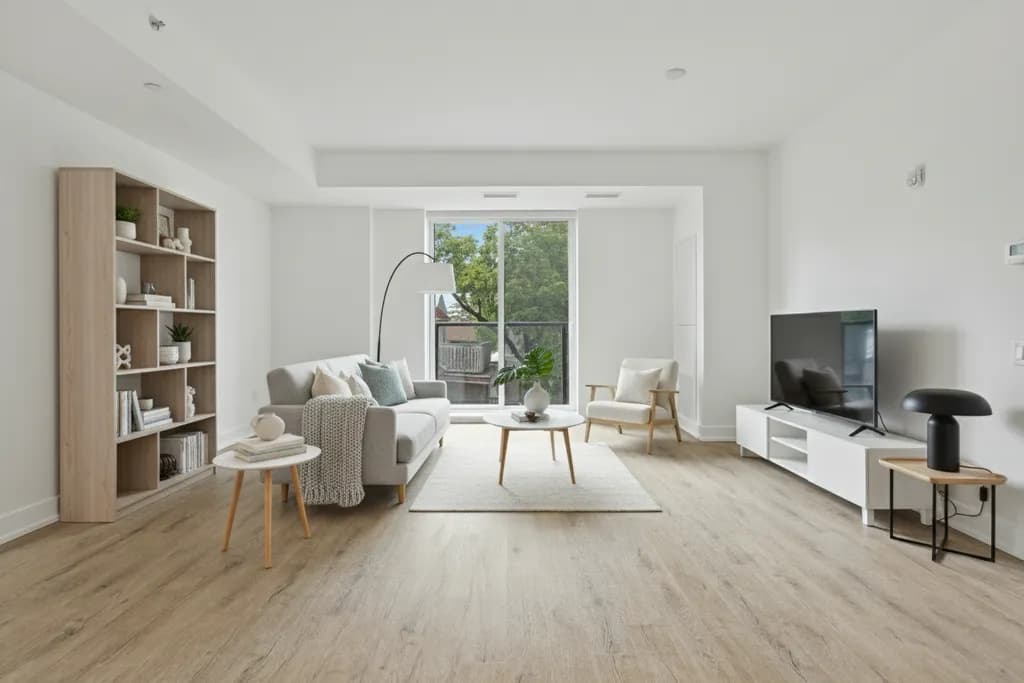
A practical order for rearranging any room, from the tape measure to a one-week trial, with the clearances and layouts that make it work.
· 11 min read
 How-to
How to remove objects from photos on iPhone (with or without Clean Up)
Clean Up in the iPhone Photos app erases distracting objects with a tap or a brush stroke, if your phone supports Apple Intelligence. Here's how to use it, why it might be missing, and what to do instead.
· 10 min read



Try this on your own room
Snap it, pick a style, see it redesigned in about 30 seconds.
Free to try · 3-day free trial on annual · Cancel anytime
