
Free virtual staging: what you can really do without paying
By RivAI Team · · 9 min read
The short answer
You can stage a few photos free: Apply Design's first image is free, and Collov AI, Reimagine Home and Spacely AI give small trial allowances, some watermarked. Shoot the empty room straight on, stage one room at a time, label every result "virtually staged" and keep the unstaged photo in the listing.
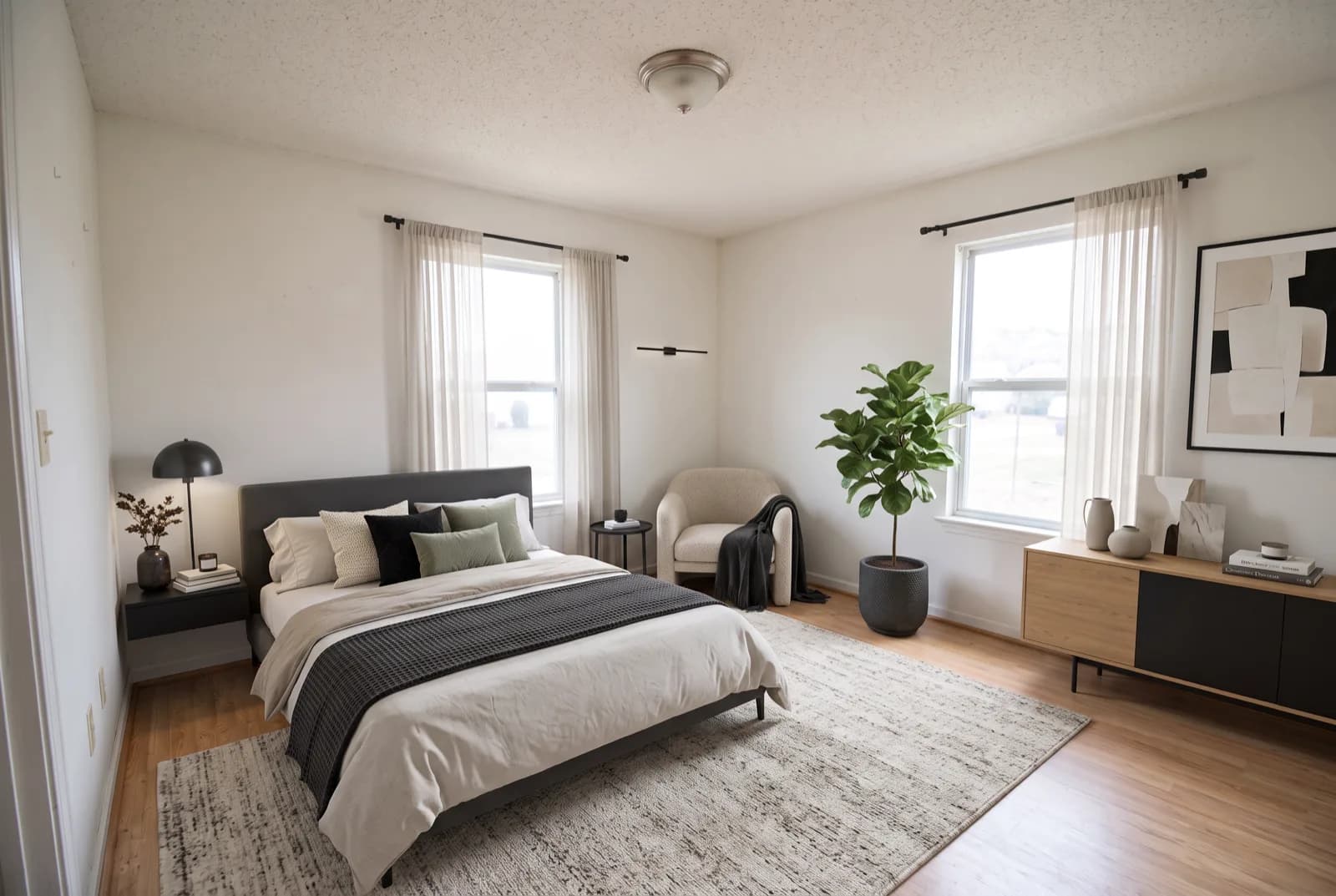
How can you get virtual staging free?
Free virtual staging exists, but only in small trial amounts. Apply Design gives you your first image free. Collov AI offers 5 trial generations with a watermark, Reimagine Home gives 5 free designs with no card, and Spacely AI's $0 plan comes with 40 trial credits. That's enough to stage one or two hero photos, such as the living room and primary bedroom, or to compare styles before you pay anyone.
Free or paid, the honesty rules are the same. A staged photo needs a clear "virtually staged" label, and the National Association of Realtors Code of Ethics asks Realtors to present a "true picture" in their advertising. Keep the unstaged photo next to the staged one, add only movable furniture and decor, and check your MLS rules before you publish. A free-plan watermark can also make a listing photo look unfinished, so read each tool's terms first.
Which virtual staging tools are actually free, and what do they cost after?
| Tool | What's free | Watermark on free results | Sign-up or card | After the free tier |
|---|---|---|---|---|
| Apply Design | Your first image | Not stated | Not stated | $7-$10 per coin; a 2D DIY image is 1 coin |
| Collov AI | 5 trial generations | Yes | Not stated | Paid plans from $19 to $127 a month |
| Reimagine Home | 5 free designs | Not stated | No card needed | Paid credit plans |
| Spacely AI | 40 trial credits on the $0 plan | No | No card needed | Paid credit plans |
| Virtual Staging AI | No free staging tier | N/A (no free tier) | Paid plan only | $16 a month for 6 photos, up to $79 a month for 150; paid plans are watermark-free |
Each row comes from the tool's own pricing page, checked on October 9, 2026. "Not stated" means the page doesn't say. Free tiers change often, so look again before you plan a listing around one, and note that a trial credit isn't always one finished photo.
Collov's free results are watermarked, which rules them out for most listings but makes them fine for picking a style. Spacely's credits come without a watermark, so they're the most usable free option if the terms fit your use. If you're weighing those web tools against a phone app, see how RivAI compares with Reimagine Home and with Spacely AI.
How do you virtually stage a home for free?
- Pick two or three rooms that carry the sale: usually the living room, the primary bedroom and the kitchen or dining area. Free allowances run out fast, so don't spend them on hallways.
- Clear the room completely. Take out boxes, cords and leftover furniture, open the blinds and turn on every light. For small things you can't move, our guide to removing objects from photos on iPhone covers the cleanup.
- Shoot straight on from a corner at chest height, about 4 to 5 ft (1.2 to 1.5 m), with the phone level so vertical lines stay vertical.
- Get the whole floor and at least one window in frame. Staging tools need floor area to place furniture, and buyers want to see the light.
- Shoot every room in daylight, in landscape, at the same time of day, so the staged set looks consistent.
- Use one tool per room. Furniture style, shadows and color temperature vary between tools, and mixing two inside one room looks off.
- Match the style to the likely buyer. Neutral modern or Scandinavian furniture in light woods and grays is a safe default for broad appeal; a family home can take a dining table for six and a kid's bedroom.
- Check scale against the real room. A good rule of thumb is a 30 to 36 in (76 to 91 cm) walkway around furniture, and a queen bed is 60 x 80 in (152 x 203 cm), so it needs a wall at least 10 ft (3 m) wide to fit with nightstands.
- Label the staged image "Virtually staged" and upload the unstaged original right after it.
Our room photography guide covers angles, lighting and phone settings in more detail.
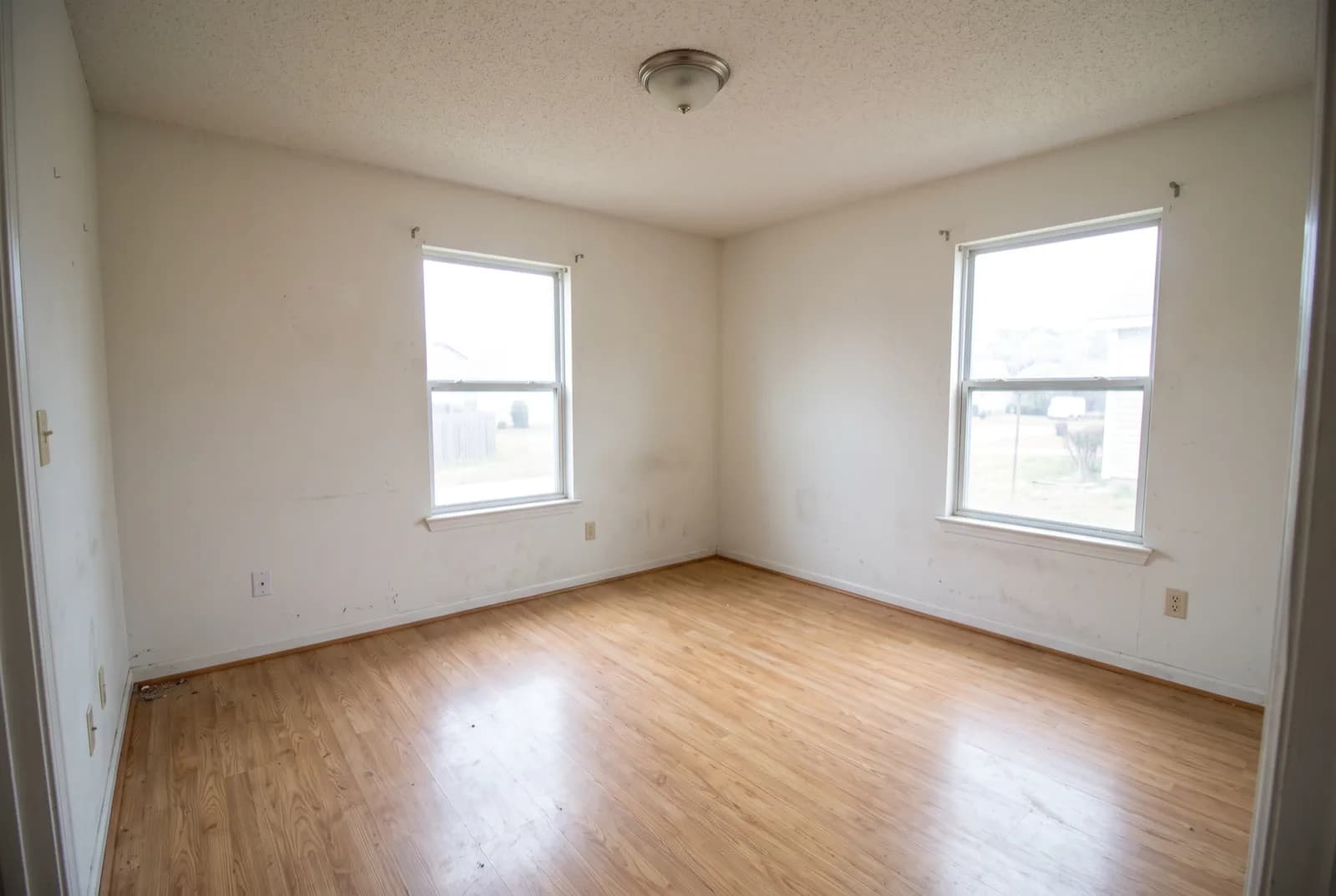
What mistakes make free virtual staging backfire?
- Furniture at the wrong scale. An oversized sectional makes a small living room look roomy online, then the buyer walks in and the room feels half the size.
- Hiding defects with a rug over a stained floor or a plant in front of a cracked wall. Buyers find it at the showing, and trust in every other photo drops with it.
- Covering windows. A headboard, tall bookcase or heavy curtains across a window hide light and the view, two things buyers specifically look for.
- Furniture that's far nicer than the house, which makes the real empty rooms feel plain by comparison.
- Changing anything permanent: paint, flooring, fixtures or the view outside.
- Staging every room when two or three strong photos would do.
How do you disclose virtual staging honestly?
Honest staging adds furniture and leaves the house alone. The NAR Code of Ethics requires Realtors to give a "true picture" in advertising under Article 12, and Standard of Practice 12-10 bars "misleading images". Neither names virtual staging directly, so read them plainly: movable things can be added, the property can't be changed.
- Label every staged image "Virtually staged", in the caption or on the photo itself.
- Keep the unstaged photo of each staged room in the listing.
- Check your MLS rules before you upload. They decide how labels and altered photos are handled where you list.
- Show renovation ideas, like new floors or paint, only as separate and clearly labeled concepts.
For a fuller walkthrough of labeling, room priorities and working with a photographer, see our virtual staging guide for real estate.
What do agents say about staging and virtual staging?
Agents are positive about staging overall. The NAR 2025 Profile of Home Staging is a survey of agents, so treat its numbers as their reported experience, not sale records. Among sellers' agents, 49% saw less time on market and 29% saw offers rise 1% to 10%. On the buying side, 83% of buyers' agents said staging made it easier for buyers to picture the home as their own.
Virtual staging rates lower in the same NAR report: 34% of sellers' agents said their clients saw it as less important than physical staging, and 24% said it was equally important. Physical staging isn't cheap either, with a median cost of $1,500 through a staging service and $500 when the agent staged the home. A free trial on one or two rooms is a low-risk way to see whether it helps your photos.
For where staging earns its place and where it backfires, read does virtual staging help a listing sell.
Which AI app is best for furniture staging?
There's no single best virtual staging app. Pick by how many photos you need and whether you'll pay at all:
- Selling one vacant home yourself: spend Apply Design's free first image on the living room, then pay per photo for the bedroom. Its pricing page lists $7 to $10 per coin, and a 2D DIY image costs 1 coin.
- Comparing styles before you commit? Use the free allowances at Reimagine Home or Spacely AI to try a modern and a Scandinavian look on the same room.
- An agent with steady listings: a subscription is cheaper per photo. Virtual Staging AI runs from $16 a month for 6 photos to $79 a month for 150, and none of its plans add a watermark.
- Picturing furniture in a home you own and aren't selling: a redesign app is enough, since nothing goes into a listing.
How can you preview a furnished or empty version of your own room?
RivAI is a redesign app for iPhone and iPad. It doesn't do virtual staging or make listing photos, though two of its tools sit close to the job. Empty Space removes the furniture from a photo to show the room empty, the opposite of staging. Remove Objects lets you brush over clutter to erase it.
If you own the home and want to see it furnished for your own planning, the Interior redesign tool works on an empty-room photo. Choose the room type, one of 43 styles and Keep Structure, which keeps walls, windows and layout, and you'll get a result in about 30 seconds on Standard. Compare it with the original on the before/after slider, and treat it as a preview of a look. For listing photos, use a dedicated staging service and follow the disclosure rules above.
The free tier is small: 2 designs per install, and free results carry a RivAI watermark, which also makes them unsuitable for a listing. See how RivAI handles furnished previews.
FAQ
What is virtual staging in real estate?
Virtual staging means adding furniture, rugs, art and lighting to a photo of an empty or cleared room, so buyers browsing a listing can judge scale and see what each room is for. The house itself stays unchanged in the image, and the staged photo is labeled as virtually staged.
Does ChatGPT do virtual staging?
ChatGPT can edit a room photo and add furniture if you ask, but it has no listing-specific controls: no guarantee that walls, windows and fixtures stay exactly in place, and no staging workflow. Check every detail against the real room, and label any AI image you use as virtually staged.
Can I crop the watermark off a free staging image?
Don't. A watermark on a free result is part of the deal you accepted, and cropping it usually cuts into the room as well. Read the tool's terms for listing use, and if you want a clean image for a listing, pay for that one photo instead.
Is paid virtual staging software worth it?
For a single listing, a free image plus one or two paid photos is usually enough. Agents with several listings a month tend to get better value from a subscription, because the per-photo price drops and paid plans at tools like Virtual Staging AI come without a watermark. Compare the cost per photo before you subscribe.

RivAI Team
We build RivAI, the AI home design app for iPhone, at PixelPort LLC. RivAI is our product, so read our picks with that in mind: we take no payment for placements, and every product claim is checked against the app. About us · Editorial policy.
Published · Last updated
- #virtual staging
- #real estate
- #listing photos
- #free tools
Keep reading
Real estateVirtual staging: does it help a listing sell?
Virtual staging helps buyers read empty rooms online, but it cannot change the house. Here is where it earns its place, where it backfires, and how to do it honestly.
· 6 min read
 How-to
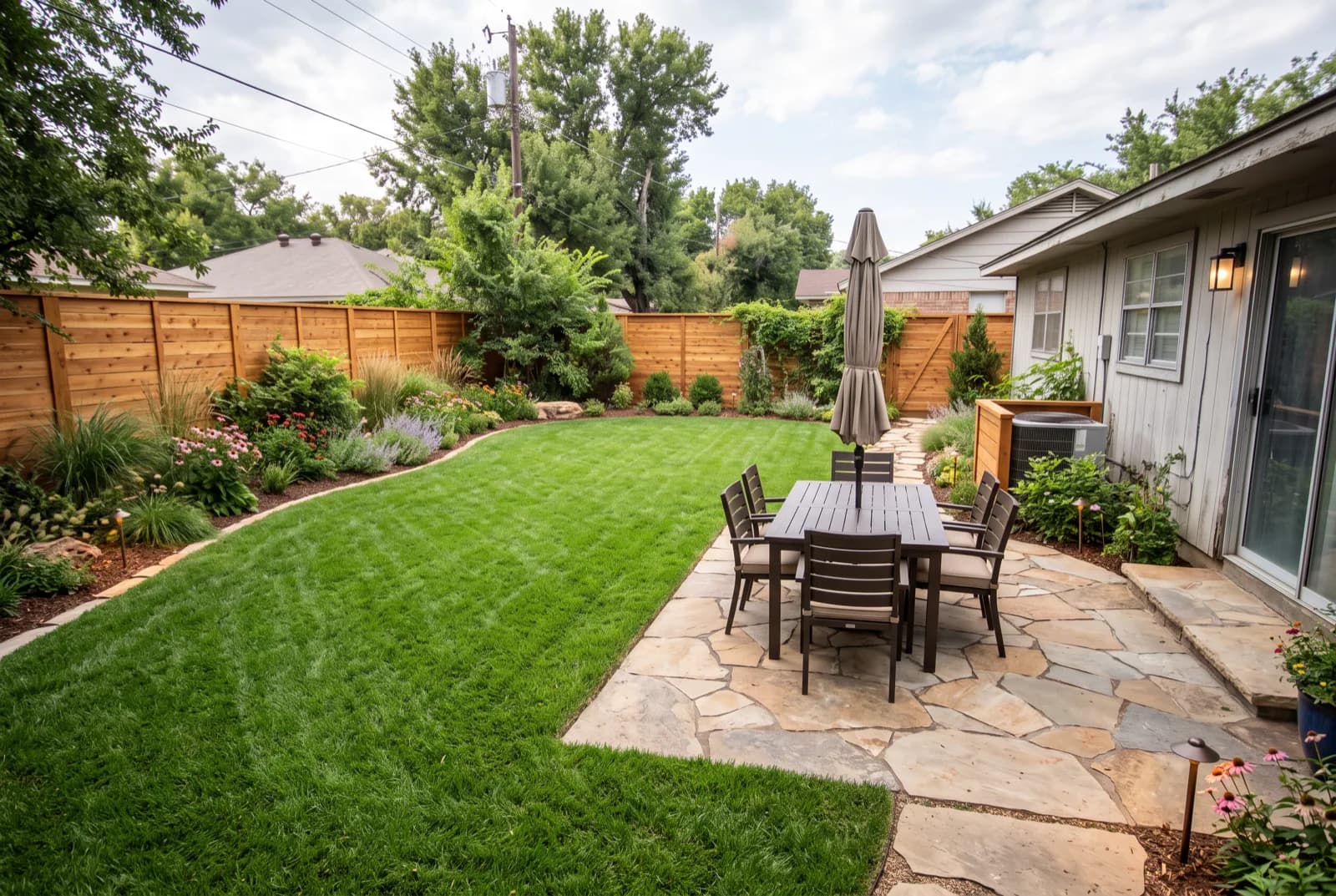
Free AI landscape design: how to redesign your yard from a photo
How to get a free AI landscape design from one photo of your yard: how to shoot it, what to type, which free tools exist, and what to check before you buy a single plant.
· 10 min read
 Trends
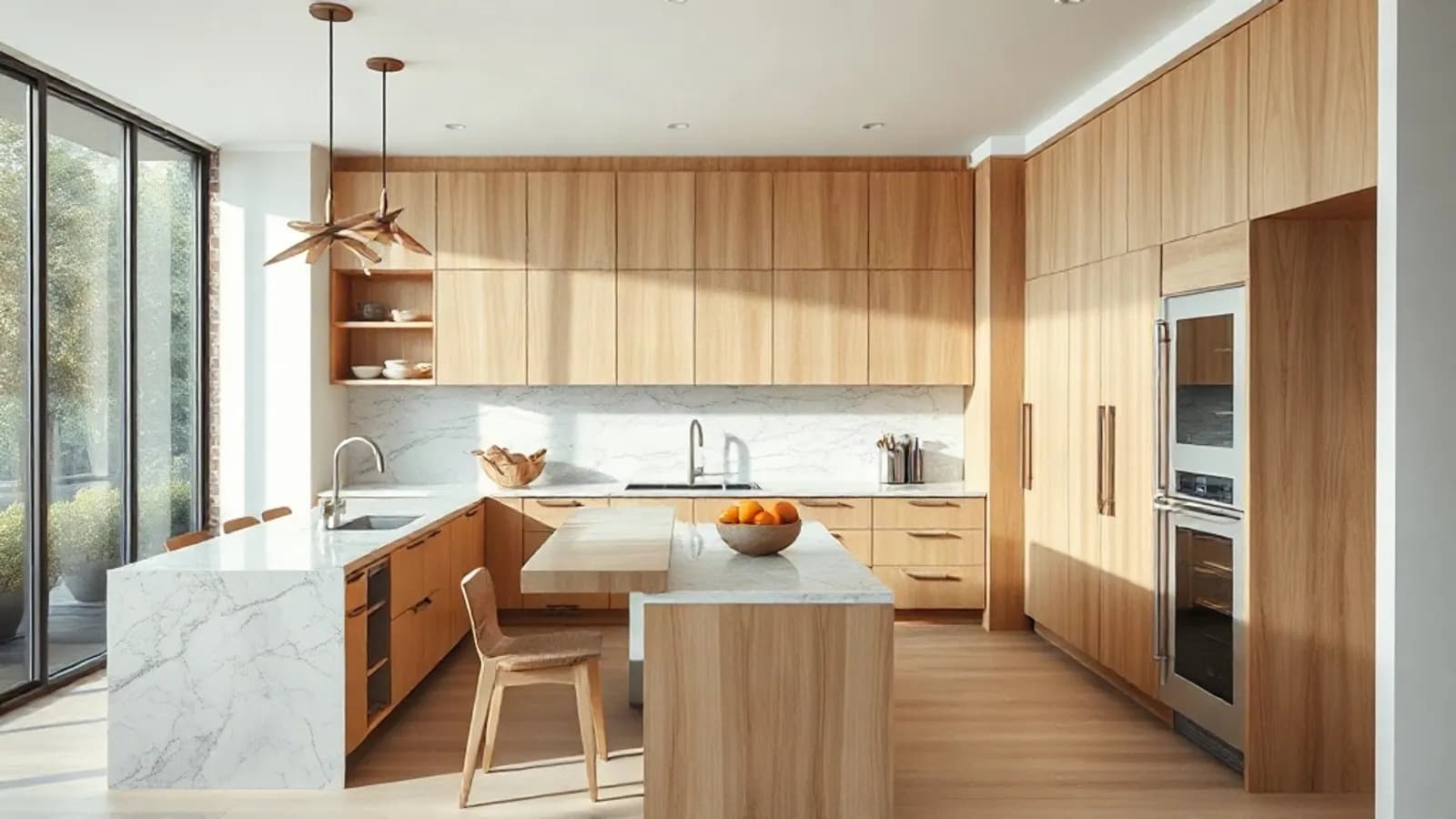
Kitchen trends 2026: 10 changes worth copying (and 4 to skip)
Wood just overtook white as the top cabinet color, and pros expect more beverage stations, pantries and color. Here are the 10 kitchen trends for 2026 worth copying, 4 to skip, and what each one costs to undo.
· 9 min read



Try this on your own room
Snap it, pick a style, see it redesigned in about 30 seconds.
Free to try · 3-day free trial on annual · Cancel anytime
