
Virtual staging: does it help a listing sell?
By RivAI Team · · 6 min read
The short answer
Virtual staging helps a listing by making empty rooms readable online: buyers see scale, layout and purpose instead of bare floors. It costs far less than physical staging and is fast. It cannot change the actual home, so it works only when photos are clearly labeled, accurate and paired with an unstaged original.
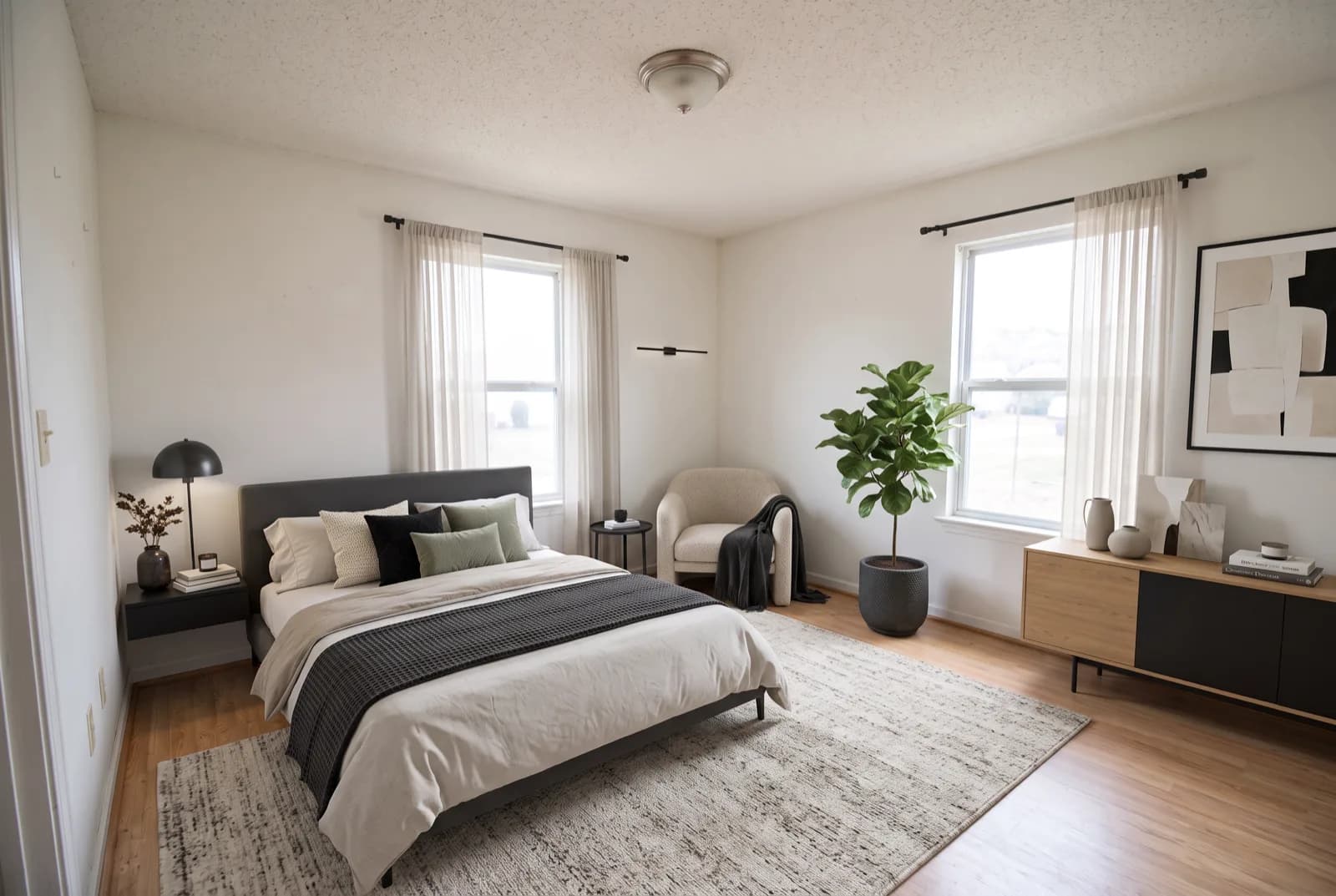
What does virtual staging actually do for a listing?
Many buyers meet a home through its listing photos before they see it in person, and empty rooms photograph badly. Without furniture there is nothing to judge scale by: a 12 x 14 ft (3.7 x 4.3 m) bedroom and a much smaller one look similar in a wide-angle shot. Virtual staging adds furniture and decor to the photo so buyers can see that a queen bed fits with nightstands on both sides, or where the sofa and dining table go in an open plan.
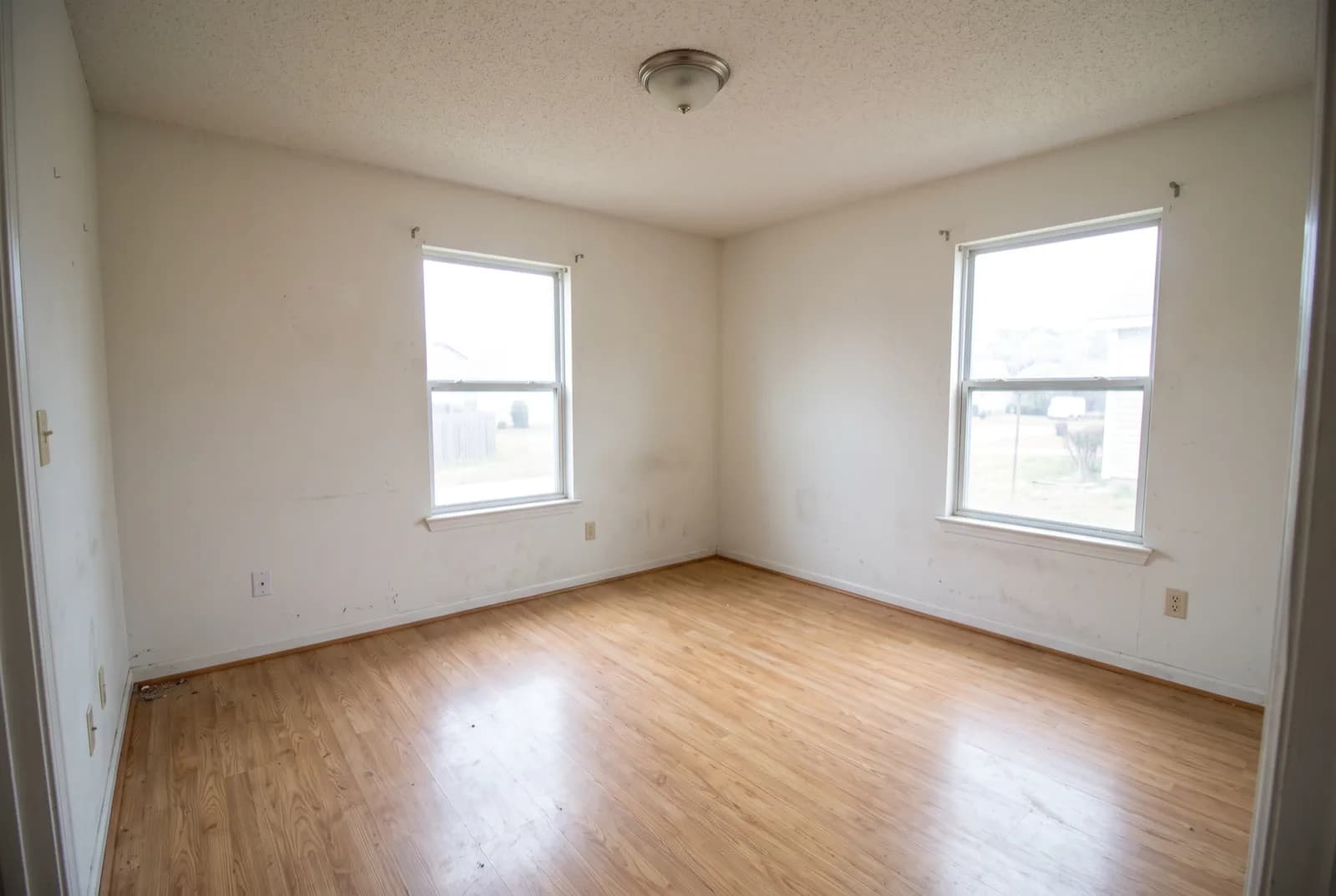
It does three things well. It shows scale, because familiar objects like a bed or a sofa give the eye a ruler. It shows purpose, turning a vague bonus room into a clear office or nursery. And it sets a mood, so the home feels lived-in rather than abandoned.
Why is virtual staging cheaper and faster than physical staging?
Physical staging means renting furniture, moving it in, arranging it and moving it out again, often with monthly rental fees while the home is on the market. Virtual staging only touches the photos. There is nothing to deliver or insure, and you can try several styles for the same room and keep the best one. It is especially useful for vacant homes, new construction and rentals between tenants.
What can't virtual staging do?
It does not change the house. Buyers who toured online will still walk into empty rooms at the showing, and the gap between photo and reality is where virtual staging can backfire. If the staged photos feel too polished, or the furniture is sized impossibly for the room, buyers notice and trust drops.
Virtual staging sells the photo. The house still has to sell itself at the showing.
- It does not fix condition issues such as scuffed floors, stains or dated fixtures.
- It cannot help buyers who never look at photos and only judge in person.
- Oversized or overly luxurious furniture can make the real room feel smaller and plainer by comparison.
How do you stage virtually without misleading buyers?
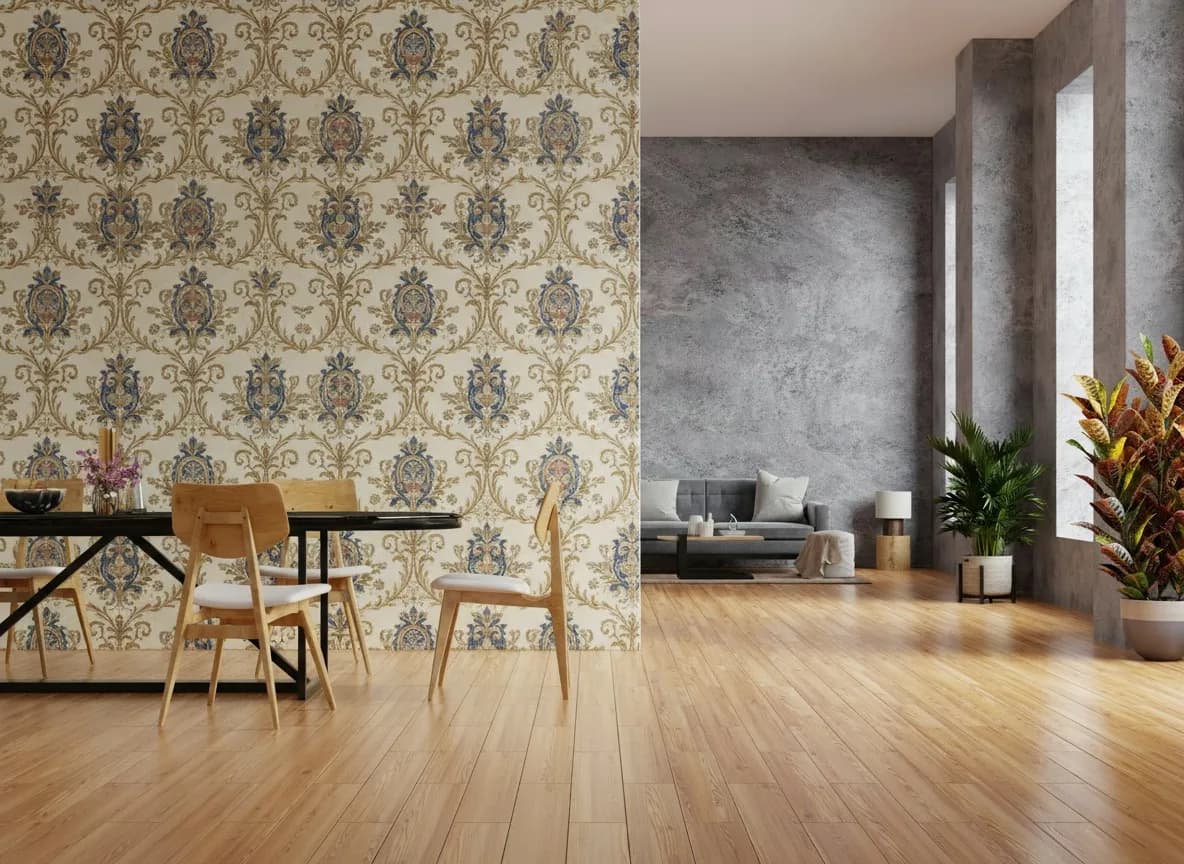
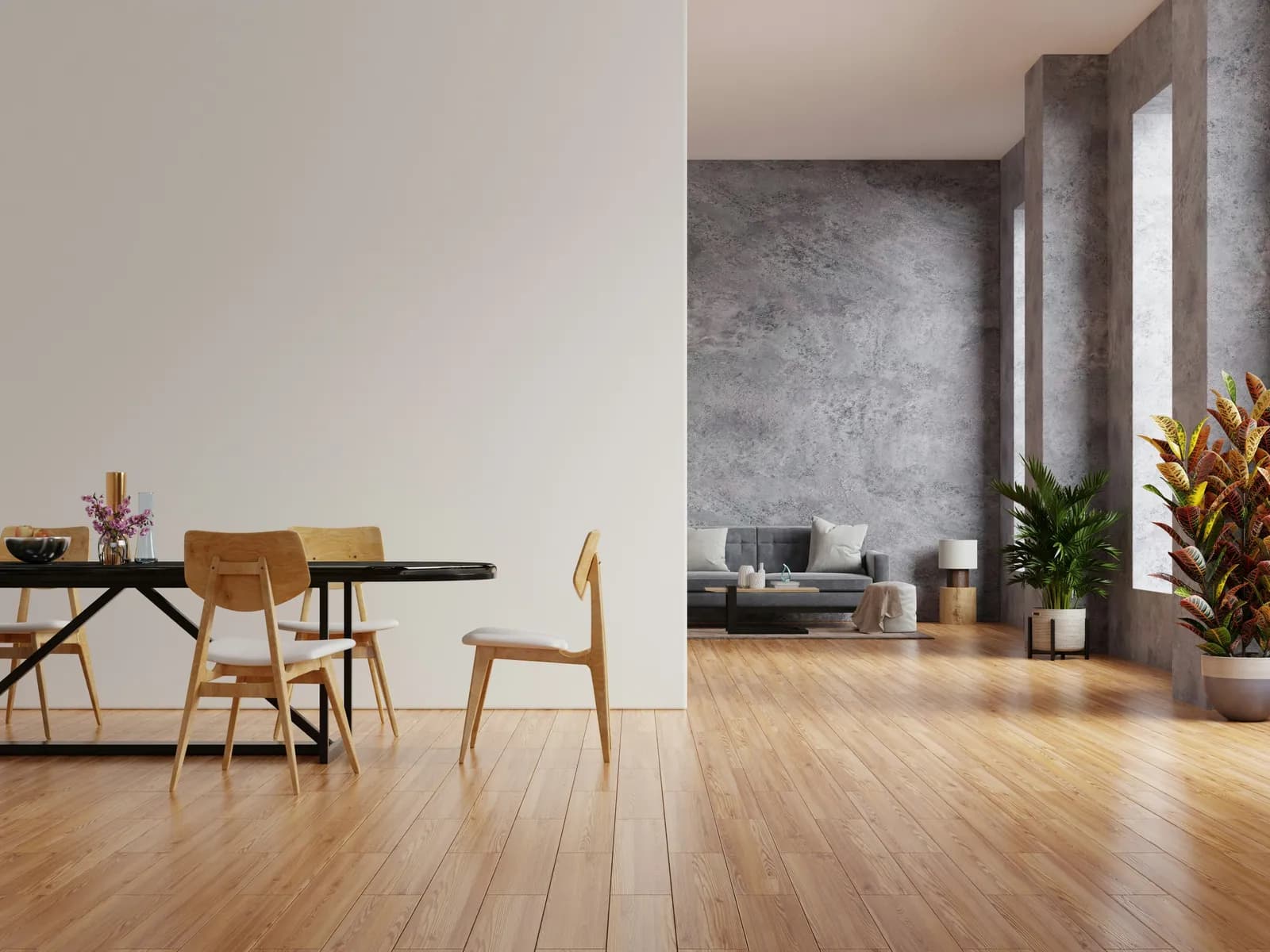
The rule of thumb is simple: add movable things, never change permanent ones. Furniture, rugs, art, lamps and plants are fair game. Walls, flooring, windows, fixtures and views are part of the property, and altering them in listing photos misrepresents what is for sale. The National Association of Realtors Code of Ethics, under Article 12, asks Realtors to "present a true picture in their advertising", and its Standard of Practice 12-10 names misleading images. Many MLSs also require virtually altered photos to be labeled. Check yours before you publish.
- Label every staged image clearly, for example "Virtually staged" in the caption or a corner watermark.
- Include at least one unstaged photo of each staged room in the listing set.
- Do not cover defects such as cracks, water stains or damaged flooring with furniture or rugs.
- Do not change paint colors, flooring, wall positions or the view out the window in standard listing photos.
- Size furniture realistically for the room's real dimensions.
Which rooms should you virtually stage first?
Stage the rooms that carry the buying decision. You rarely need to stage every room, and a few well-staged hero shots often do more than a full set.
| Room | Why stage it | Priority |
|---|---|---|
| Living room | Usually the first photo; shows how people will gather | High |
| Primary bedroom | Buyers check that a queen or king bed fits with walking space | High |
| Kitchen and dining | Shows where the table goes and how the space flows | High |
| Odd or bonus rooms | Gives an unclear space a clear purpose | Medium |
| Secondary bedrooms | Helpful for families; a simple bed and desk is enough | Medium |
| Hallways and small bathrooms | Little to add; a clean photo works | Low |
What does a practical virtual staging workflow look like?
- Clean the room and open blinds. Turn on all lights to even out the exposure.
- Shoot from a corner at roughly chest height, about 4 to 5 ft (1.2 to 1.5 m), with the camera level so vertical lines stay straight.
- Capture the full floor area so the staged furniture has room to sit naturally.
- Stage the photo in a style that suits the likely buyer, such as modern or Scandinavian for broad appeal.
- Check scale: furniture should match the room's real dimensions and doorways should stay clear.
- Label the staged image and keep the unstaged original in the listing set.
Our room photography guide covers framing and lighting in more detail.
Can RivAI be used for virtual staging?
Not as a staging service. RivAI is an iPhone app for previewing redesigns, not an MLS staging product, and it does not make listing-ready staged photos. What it can do: photograph an empty room, pick one of 43 styles with Keep Structure, and the render adds furniture as a preview in about 30 seconds. Keep Structure can still restyle finishes, so compare on the before/after slider. The Empty Space tool does the opposite and removes furniture. If you put any virtually altered photo in a listing, label it and follow your MLS rules. See the virtual staging page and our real estate guide.
FAQ
Do I have to disclose virtual staging?
You should always label virtually staged photos, and many MLSs and brokerages require it. A short caption such as "Virtually staged" on each image is the common approach. Check your local MLS rules, since requirements vary by market.
Can I virtually stage an occupied home?
Yes, but clear it digitally first. An empty-room tool removes the current furniture and clutter from the photo, then you stage the clean room. Keep the result realistic so it still matches what buyers will see at the showing.
Which rooms should I virtually stage?
Start with the living room, the primary bedroom and the kitchen or dining area, since those shape a buyer's first impression. Add awkward or odd-shaped rooms whose purpose is unclear when empty. Hallways and small bathrooms rarely need it.
Is it okay to change paint or flooring in a staged photo?
Only if the image is clearly presented as a suggestion, such as a labeled design idea, and not as the home's current condition. Changing permanent features in the main listing photos misrepresents the property. Keep furniture and decor as the only edits in standard staged shots.
Is virtual staging better than physical staging?
It is cheaper and faster, and it works well for vacant homes marketed mostly online. Physical staging helps more at showings, because buyers walk through furnished rooms in person. Some sellers stage key rooms physically and the rest virtually.

RivAI Team
We build RivAI, the AI home design app for iPhone, at PixelPort LLC. RivAI is our product, so read our picks with that in mind: we take no payment for placements, and every product claim is checked against the app. About us · Editorial policy.
Published · Last updated
- #virtual staging
- #real estate
- #listing photos
- #home selling
Keep reading
Real estateFree virtual staging: what you can really do without paying
A few staging tools give you a free image or a short trial, enough for one or two hero rooms. Here's what each one gives away, how to shoot and stage a room for free, and how to label the result honestly.
· 9 min read
 Trends
Kitchen trends 2026: 10 changes worth copying (and 4 to skip)
Wood just overtook white as the top cabinet color, and pros expect more beverage stations, pantries and color. Here are the 10 kitchen trends for 2026 worth copying, 4 to skip, and what each one costs to undo.
· 9 min read
 Inspiration
Modern farmhouse living room ideas: 15 warm, uncluttered looks
Fifteen modern farmhouse living room ideas grouped by walls, furniture, lighting, textiles and the warmer 2026 update. Each one comes with a size, bulb temperature or hex code, plus a short list of what to skip.
· 10 min read



Try this on your own room
Snap it, pick a style, see it redesigned in about 30 seconds.
Free to try · 3-day free trial on annual · Cancel anytime
