
ChatGPT for interior design: prompts, limits and when to use an app
By RivAI Team · · 10 min read
The short answer
To use ChatGPT for interior design, upload a daylight photo of your room, ask it to name the style, suggest layouts from your tape-measured dimensions, and build a palette with hex codes. Then request one image edit at a time, such as changing only the sofa. It plans well but can't measure, and edits can drift.
How do you use ChatGPT for interior design?
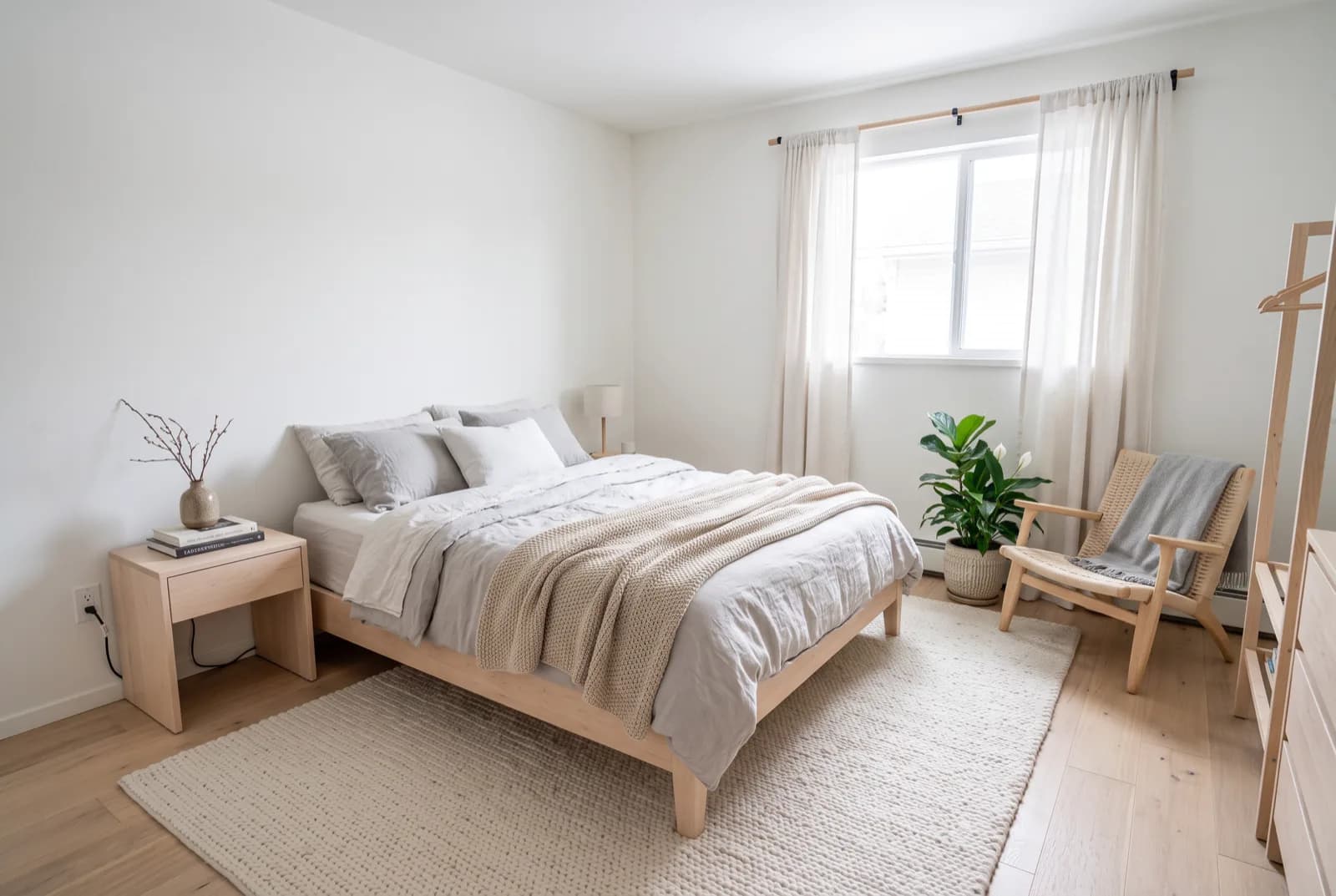
ChatGPT helps with interior design in two ways. As a text assistant, it can look at a photo of your room, name the style, point out what clashes, suggest furniture layouts from measurements you give it, and build a palette with hex codes you can type into a paint visualizer. As an image editor, it can change your photo when you describe the edit, and it works best with one change per message: "keep the walls and windows, change only the sofa."
OpenAI says ChatGPT Images 2.5, launched on September 8, 2026 and rolling out to all ChatGPT users, keeps details consistent across edits. Its help page on images in ChatGPT also notes that edits "may extend beyond the area you selected." That's the trade-off in one line: ChatGPT is quick and free to start, but it can't measure your room, and a long chain of edits can wander from the real space. For many previews of one room, a dedicated room-design app is steadier.
What do you need before you start?
Ten minutes of prep saves a dozen wasted image edits.
- One good photo of the room. Daylight, lamps off, taken straight-on from the doorway or from a corner so two walls show. Our room photography tips for AI redesign cover framing in more detail.
- A tape measure. Note each wall length, window and door widths, and ceiling height in inches and centimeters (for example 12 ft 4 in, or 376 cm).
- Two or three photos of rooms you like, saved from anywhere.
- A budget figure, even a rough one, so suggestions stay realistic.
- The ChatGPT app or chatgpt.com. The free plan is enough to start; image limits are covered further down.
How do you use ChatGPT on a photo of your own room?
Work in this order: words first, pictures last. Text answers are cheap to redo, while image edits eat into the free limit and each one is a new chance for drift.
- Take the photo in daylight. Shoot mid-morning or early afternoon with lamps off, phone level at about chest height (around 4 ft, or 1.2 m), straight-on to the main wall or from a corner. Clear the floor and surfaces first: five minutes of tidying keeps ChatGPT from treating laundry as decor.
- Measure the room. Write down wall lengths, window and door positions, and ceiling height in inches and centimeters. ChatGPT can't measure from a photo, so these numbers keep its layout ideas honest.
- Upload the photo and ask for a read, not a redesign. Ask it to name the closest style and list 5 details that point to it. Check that it counted your windows and doors correctly; if it missed one, correct it in the chat before going on.
- Get 3 layout options. Give it your measurements and the furniture you're keeping, and ask for three layouts with a 36 in (91 cm) walkway, a common rule of thumb for main paths.
- Build a palette. Ask for 4 to 5 colors with names, hex codes and where each one goes. A 60-30-10 split (main, secondary, accent) is a handy guideline, not a law.
- Make one image edit at a time. Start with the biggest change, usually the sofa or the wall color, and say what must stay: walls, windows, floor, ceiling, camera angle.
- Compare every result with the original. Count the windows, find the door, check the ceiling line. If something moved, go back to your original photo in a new chat instead of editing the edit.
- Turn the winner into a written spec. Ask for each item with width, depth and height in inches and centimeters, plus material and color hex. That list is what you take to a store.
What are some good ChatGPT interior design prompts?
Copy these, swap the brackets for your details, and send them one at a time. The image prompts work best with the photo attached to the same message.
| What you want | Prompt to paste |
|---|---|
| Name your style | Look at this photo of my [room]. Name the closest interior design style, list 5 details that point to it, and tell me which 2 items clash with it. |
| Layout ideas | My [room] is [12 x 15 ft / 3.7 x 4.6 m]. The door is on [wall] and the window on [wall]. Suggest 3 layouts for [furniture list]. Keep a 36 in (91 cm) walkway and explain the trade-off of each. |
| Palette with hex codes | Build a 5-color palette for this room in a warm [style] look. For each color give a name, a hex code and where it goes: walls, trim, textiles, wood, accent. Use a 60-30-10 split. |
| Style match from inspiration | Here are 3 rooms I like. What do they have in common? Give me the style name, materials, colors and 5 search terms I can use to find similar pieces. |
| Change one item | Keep the walls, windows, floor, ceiling, lighting and camera angle exactly as they are. Change only the sofa to a low 3-seat sofa in oatmeal boucle with light oak legs. |
| Repaint the walls | Keep everything in this photo the same. Repaint only the walls in #D8D3C4 with a matte finish. Leave the trim and ceiling white. |
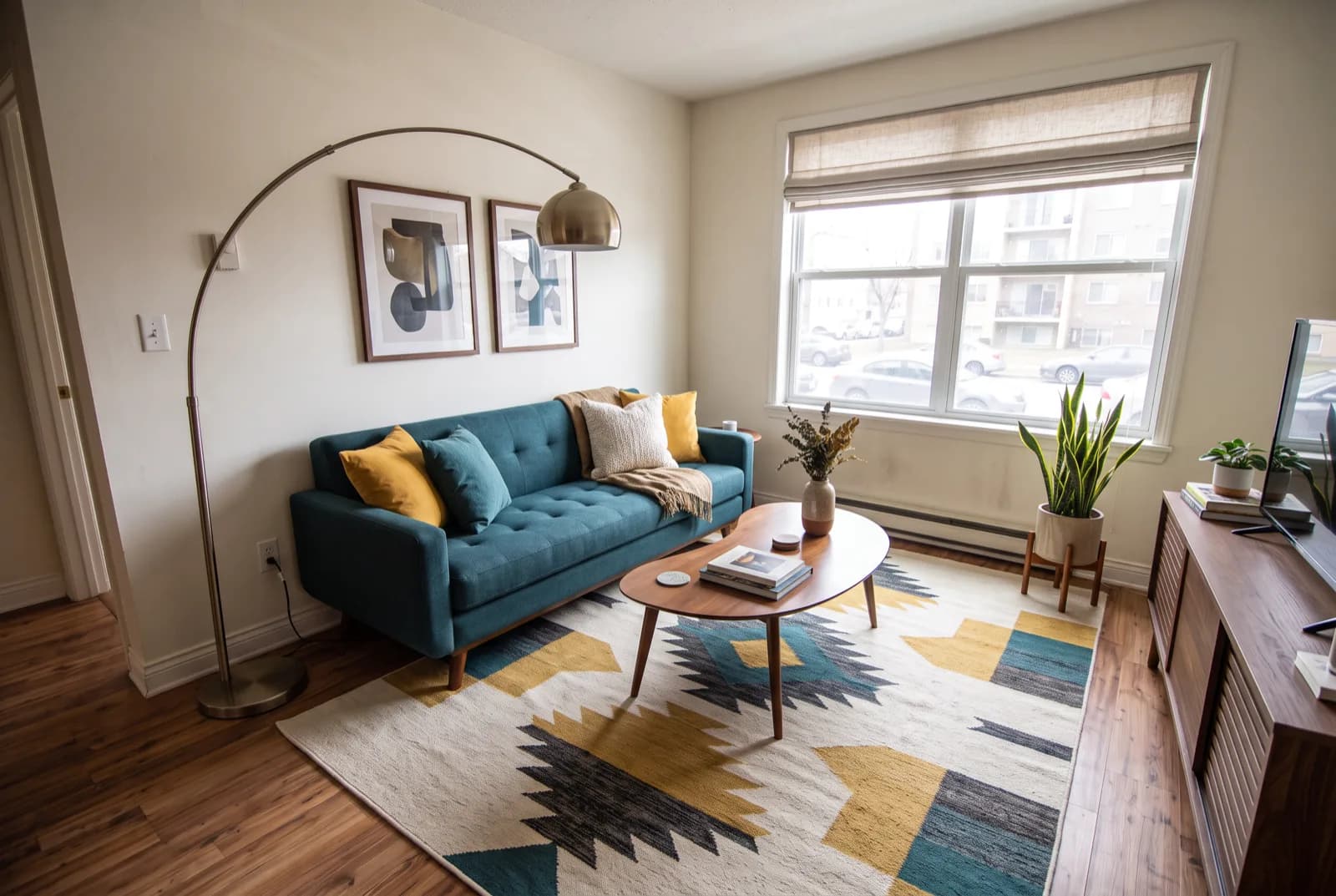
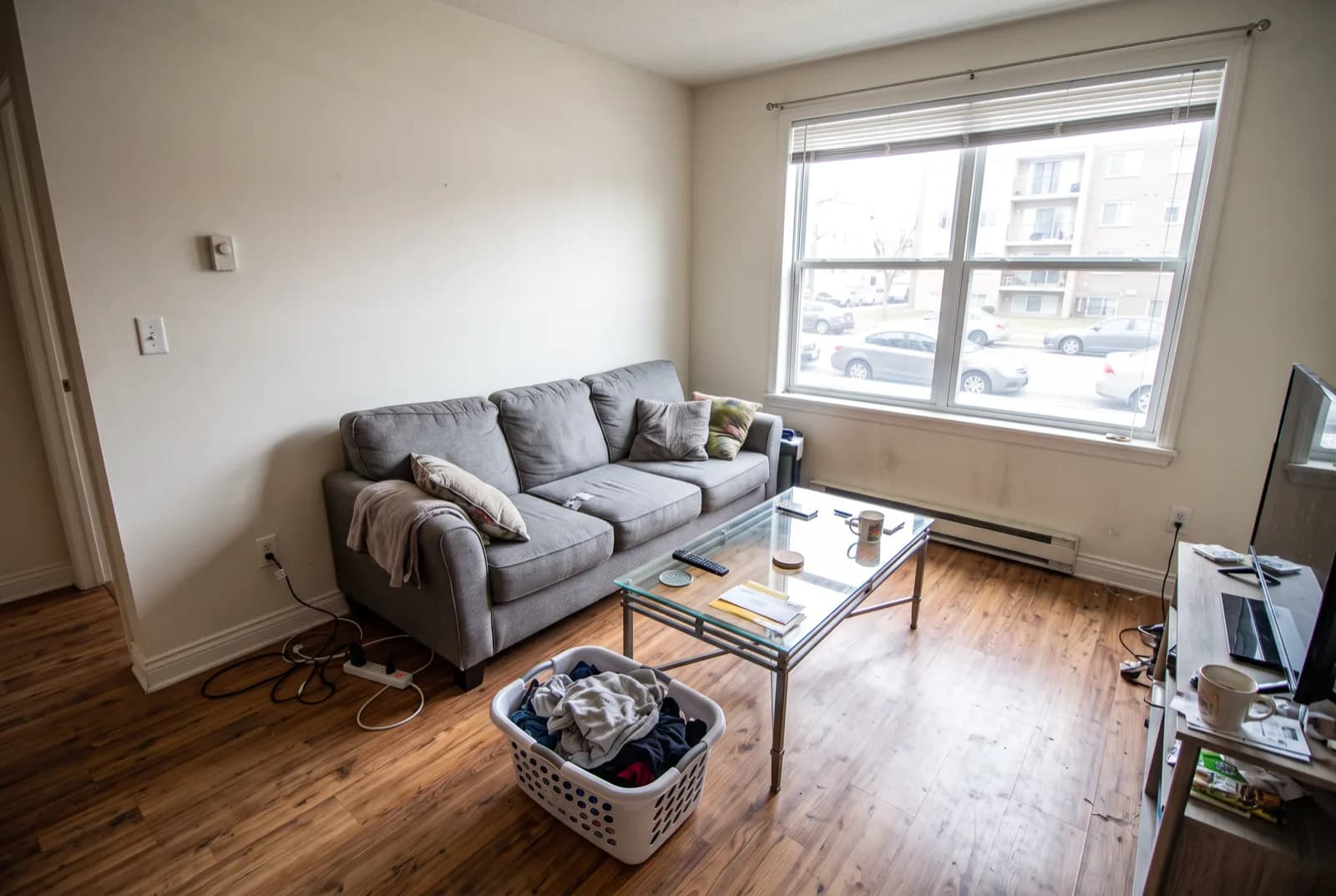
| Declutter | Keep the room and furniture as they are. Remove only the cables, the laundry basket and everything on the coffee table. |
| Written spec (shopping list) | Turn the design we picked into a shopping list. For each item give width, depth and height in inches and cm, material, color hex and a price cap that fits a total budget of [amount]. |
If you can't name your taste yet, the interior style quiz gives you a starting word to drop into the first prompt.
See these colors on your own walls: Try this palette in RivAI
Hex codes from a chat window are a starting point. Drop them into the palette generator to see them side by side, and try the wall color on a photo with the paint color visualizer before you buy a sample pot. Then hold a real paint chip against your wall in daylight, because screens shift color.
Where does ChatGPT do well, and where does it struggle?
Treat these as practical observations, not benchmark results. Use them to decide what to hand ChatGPT and what to check yourself.
| Task | How it goes | What to do |
|---|---|---|
| Palettes and hex codes | Strong. Names, hex values and placement in one answer. | Check each color on a real chip in daylight. |
| Layout reasoning | Strong when you give real measurements, vague without them. | Paste your tape-measured sizes every time. |
| Style vocabulary | Strong. It names styles, materials and furniture shapes, and explains why. | Reuse its terms in image prompts and searches. |
| Local edits on your photo | Mixed. OpenAI's help page notes edits may extend beyond the area you selected. | One change per message, then compare with the original. |
| Exact dimensions | Weak. It can't measure a room from a photo, and scale guesses can be off. | Measure with a tape and give it the numbers. |
| Consistency over many edits | Mixed. Small details can wander over a long chain of edits. | Restart from the original photo in a fresh chat. |
Put simply, ChatGPT is a strong planner and a decent sketch artist for your room. Drift matters most when you're judging a real space, which is why many dedicated room apps offer a setting that holds walls and windows in place before they restyle anything. Keeping the structure versus a full renovation explains when you'd want that lock and when you'd let it go.
Is ChatGPT room design free?
Yes, you can start on the free plan. OpenAI's free tier FAQ says image generation has its own limit, separate from regular chat, and ChatGPT shows you when it resets. OpenAI doesn't publish a fixed number, so you can't plan a big batch of edits around it. Spend your image turns on the edits that matter and do the planning in text.
If you keep hitting the limit, ChatGPT Plus costs $20 a month in the US at the time of writing (OpenAI pricing, checked October 2026).
Gemini is the other free option worth a try. Google's image generation overview says the free Nano Banana 2 model edits images, Nano Banana 2.1 needs a paid plan, results carry a visible watermark plus a hidden SynthID mark, and you need to be 18 or older. Google doesn't publish a free limit number either. You can paste the prompts above into Gemini unchanged. Dedicated room apps with free tries are compared in our list of free AI interior design apps.
Which AI is best for interior design?
For planning, ChatGPT. For seeing many versions of your actual room, a dedicated room-design app. Gemini sits close to ChatGPT: a general assistant that also edits photos, with similar strengths and the same need for careful prompts.
General chatbots are flexible: one tool handles style names, layouts, palettes, a spec sheet and the odd image. Room apps are narrow on purpose. They're built around one photo of one room, with style presets, room types and settings that keep walls and windows in place, so you can try ten looks without re-explaining the room each time.
The two work well together, which is the workflow below. Our comparison of the best AI interior design apps lines up free tiers and prices, and the step-by-step guide to redesigning a room with AI covers the process from photo to final pick.
How can you preview ChatGPT's ideas on your own room?
Plan in ChatGPT, then preview on your real photo in a room app. In RivAI's AI interior design tool on iPhone or iPad, pick the same daylight photo, choose the room type and one of 43 styles, and set the change strength to Keep Structure, which keeps your walls, windows and layout. Paste a short version of your ChatGPT prompt into the custom prompt box (it holds about 500 characters). On Standard, a result takes about 30 seconds.
For the palette, open the Paint tool, choose one of six surfaces (walls, ceiling, cabinets, doors, trim or siding) and type ChatGPT's hex code into the iOS color picker. Remove Objects lets you brush over clutter to erase it, and the before/after slider lets you compare each version with your original photo. If ChatGPT called your look Japandi, get a Japandi look with the Japanese, Zen or Scandinavian styles plus a short prompt.
Know the limits before you start. You get 2 free designs per install, with no refill, and free results carry a watermark. It's iPhone and iPad only, and the result is a visual preview, not measurements or a plan you can build from.
FAQ
Which ChatGPT model is best for interior design?
For images, use whatever image tool ChatGPT offers you; OpenAI's newest, [ChatGPT Images 2.5](https://openai.com/index/introducing-chatgpt-images-2-5/), launched on September 8, 2026 and is rolling out to all users. For text work like palettes, layouts and style names, the default model is fine. Clear measurements and one change per message matter more than which model answers.
Can ChatGPT measure my room from a photo?
No. A single photo has no reliable scale, so any dimensions it offers are estimates. Measure wall lengths, window widths and ceiling height with a tape, write them in inches and centimeters, and paste them into the chat. Once it has real numbers, ChatGPT reasons about layouts and walkway space well.
Do ChatGPT interior design images have a watermark?
They carry an invisible one. OpenAI's [Images 2.5 safety page](https://deploymentsafety.openai.com/chatgpt-images-2-5) says outputs include a SynthID watermark plus C2PA metadata that mark them as AI-generated. Gemini images get a visible watermark as well, and free RivAI results carry a visible watermark too. Label redesigns as AI-generated when you share them.
Can I buy furniture straight from ChatGPT's design?
Treat the image as a mood board and the written spec as your list. The sofa in a generated picture may not exist, and its size is a guess. Run the spec prompt above, check every width against your tape measurements, and keep main walkways around 36 in (91 cm) as a rule of thumb.

RivAI Team
We build RivAI, the AI home design app for iPhone, at PixelPort LLC. RivAI is our product, so read our picks with that in mind: we take no payment for placements, and every product claim is checked against the app. About us · Editorial policy.
Published · Last updated
- #chatgpt
- #ai interior design
- #prompts
- #how-to
Keep reading
 How-to
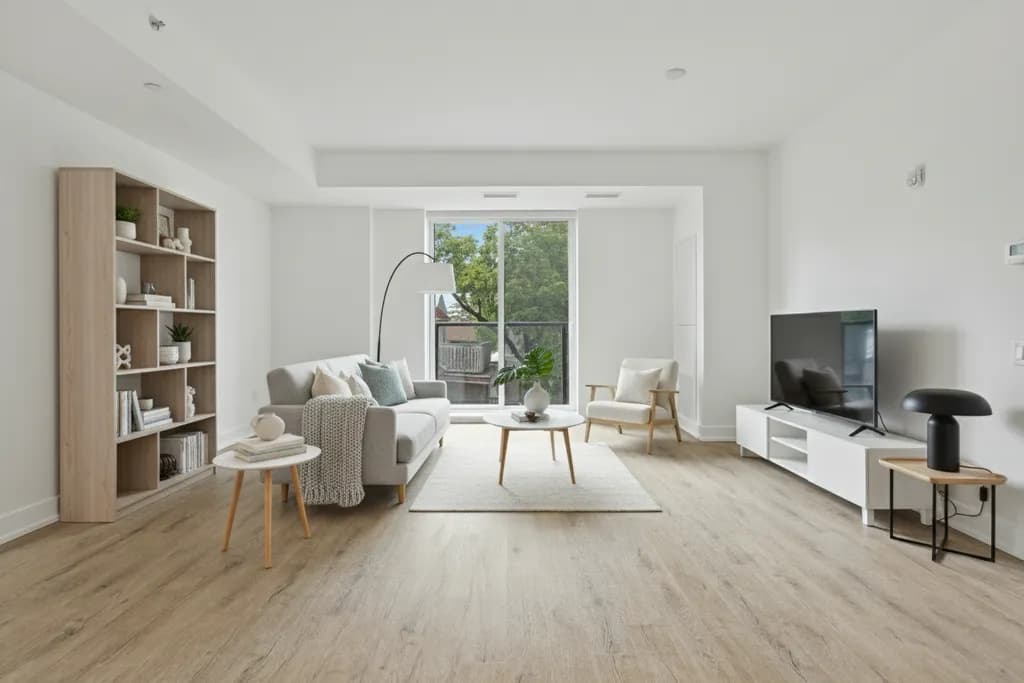
Rearrange my room: a 9-step layout method (and how AI helps)
A practical order for rearranging any room, from the tape measure to a one-week trial, with the clearances and layouts that make it work.
· 11 min read
 How-to
How to remove objects from photos on iPhone (with or without Clean Up)
Clean Up in the iPhone Photos app erases distracting objects with a tap or a brush stroke, if your phone supports Apple Intelligence. Here's how to use it, why it might be missing, and what to do instead.
· 10 min read
 How-to
How to virtually paint your house exterior for free
A step-by-step way to try exterior paint colors on a photo of your own house for free, then confirm them with real samples before you buy gallons.
· 9 min read



Try this on your own room
Snap it, pick a style, see it redesigned in about 30 seconds.
Free to try · 3-day free trial on annual · Cancel anytime
